Download Snapchat Video From Link: Free Guide (2026)
Someone sends you a Snapchat link in a chat, or you spot a Spotlight clip you want to keep, and the question is simple: can you download Snapchat video from link without installing an app, making an account, or paying anything? The short answer is yes — but only for one kind of link. A public Spotlight video or a public Story has a web address anyone can open, and that is exactly what a link downloader works with. A private snap, a friends-only Story, or a video someone sent you in a chat has no public link at all, so no tool on earth can pull it from a URL. I tested the whole thing hands-on today on snaptodown.com — a real public link, a dead link, a nonsense link, and a shortened link — and this guide is built on what actually came back, not on what downloader sites promise on their homepages.
Download Snapchat Video From Link in 3 Steps
For any public video, the whole process is three moves and takes under a minute. This is the exact flow I ran through on snaptodown.com today:
- Copy the link. In Snapchat, open the Spotlight video or public Story, tap the share arrow, and choose Copy Link. On a computer, open the same clip at snapchat.com and copy the address from the browser bar. The link is the only thing the downloader needs — no login, no username, no app.
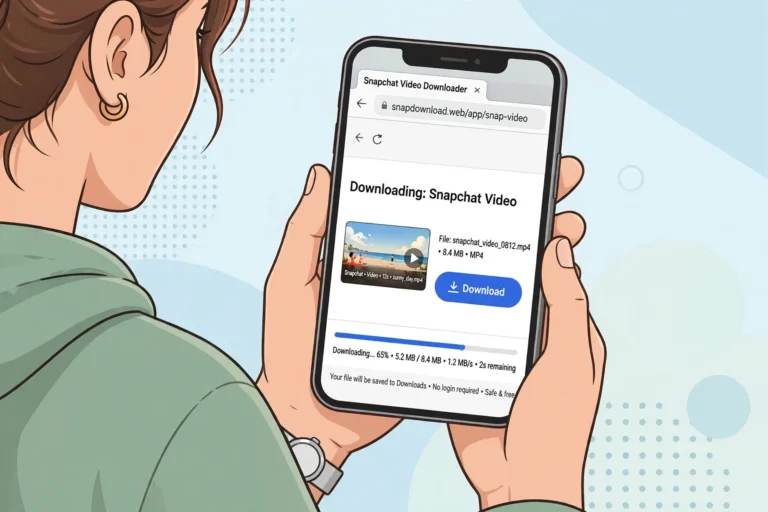
- Paste it into the downloader. Open snaptodown.com, paste the link into the box, and hit Download. The tool asks Snapchat’s servers for the file behind that link. For the test link I used today, the answer came back in about three and a half seconds.
- Save the file. When the tool finds the video, it shows a download card with the title and a direct link to the original file on Snapchat’s own CDN. Tap it and the MP4 lands in your Downloads folder. On iPhone it goes to Files first — open Files, find it in Downloads, then Share → Save Video to move it into Photos.
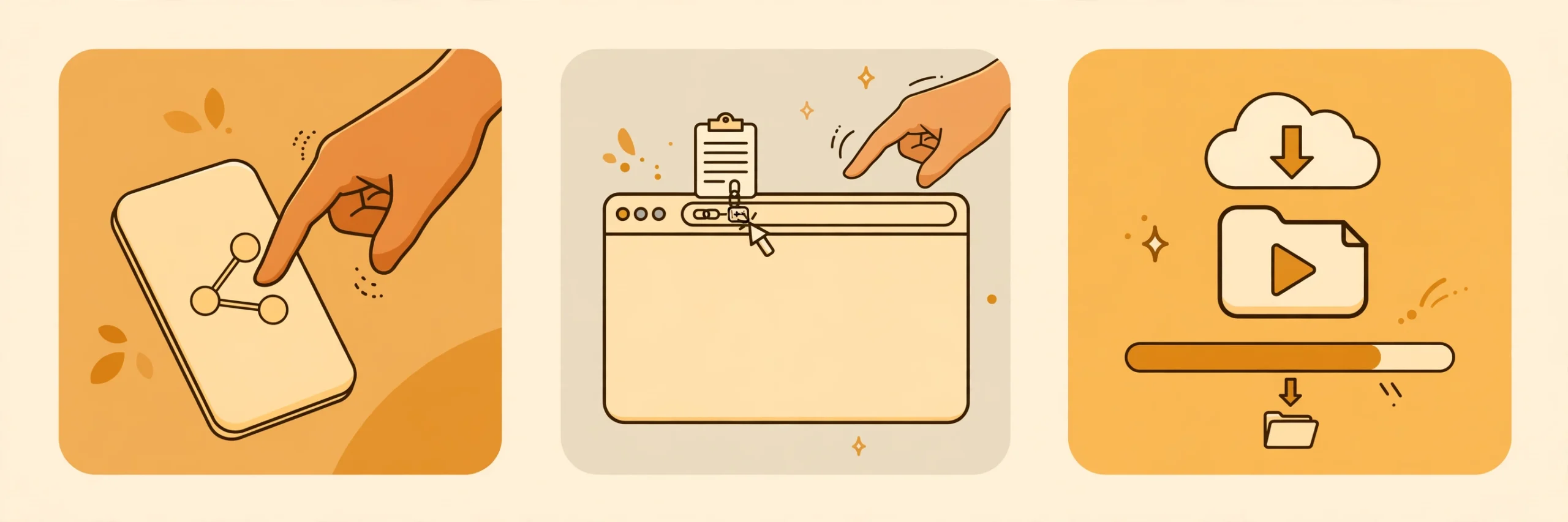
That is the entire method. There is no step four, no account creation hiding behind the download button, and no “free trial” that asks for a card. If a site adds any of those, you are not looking at a link downloader — you are looking at a funnel.
Which Snapchat Links Actually Work
Not every URL with “snapchat” in it is a downloadable link. The rule is brutally simple and every honest tool agrees on it: if Snapchat serves the content to a logged-out browser request, a downloader can reach it. If it does not, nothing can. Here is how the link formats you will actually meet break down.
| Link format | What it is | Downloads? |
|---|---|---|
| snapchat.com/@username/spotlight/… | A public Spotlight clip | Yes — this is the most reliable format |
| snapchat.com/@username (public profile) | A public profile’s live Story | Yes, while the Story is live (24 hours) |
| story.snapchat.com/… | A Story shared as a web link | Yes, while it is still live |
| snapchat.com/spotlight/… | A Spotlight clip without the username path | Yes |
| t.snapchat.com/… | Snapchat’s own short link | Sometimes — see the note below |
| A chat or DM link | A snap sent to you privately | No — no public page exists |
| A screenshot of a link | An image, not a URL | No — paste the text, not a picture of it |
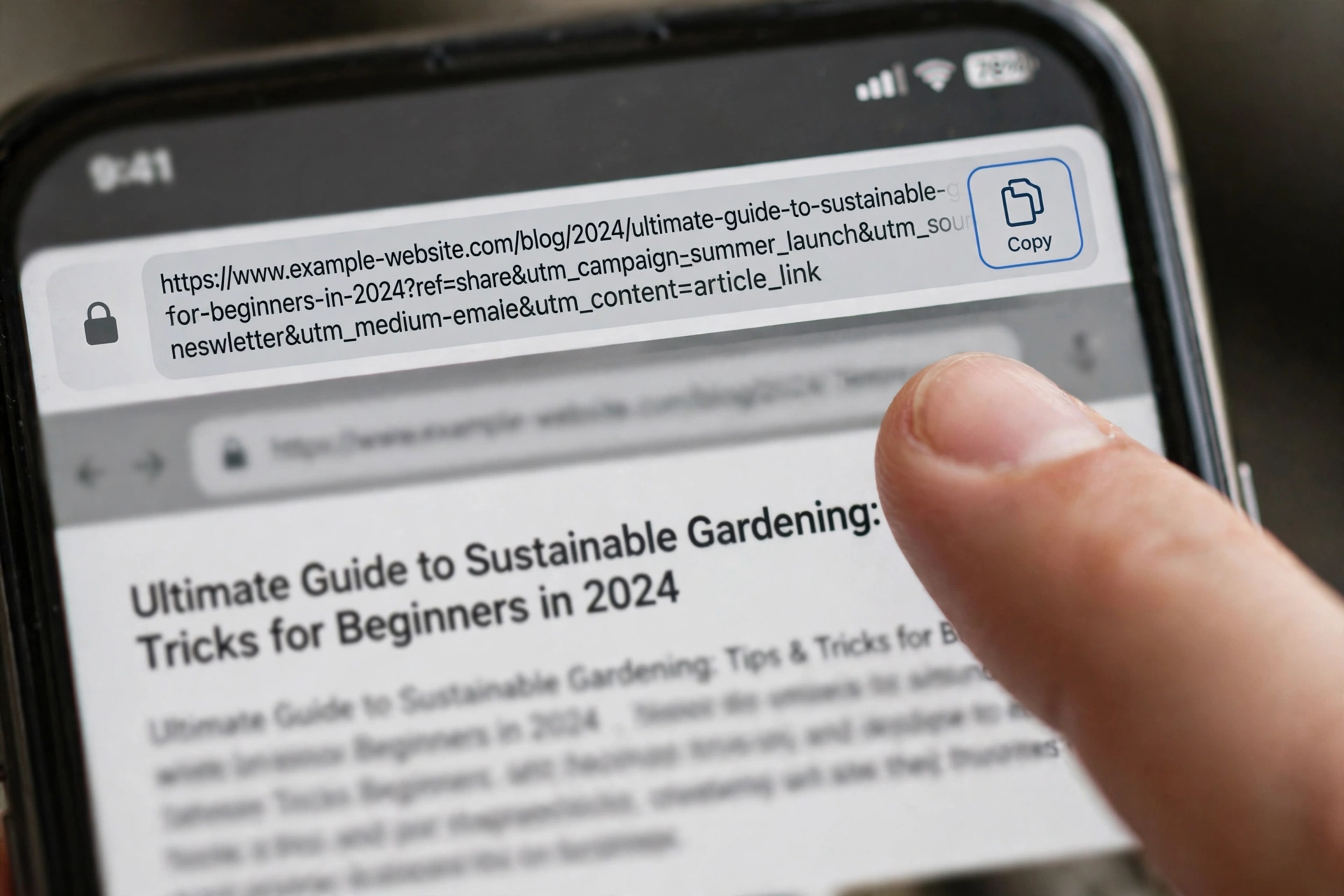
Spotlight is the easy case. Spotlight clips are public by design, they do not expire after 24 hours like Stories, and their links are permanent web pages. Public Stories work too, but only while they are live — a Story link from yesterday is usually already gone. That 24-hour clock is the single most common reason a link that “worked for my friend” fails for you.
A word on the short links. Snapchat’s own t.snapchat.com short links redirect to the full snapchat.com address, and some downloaders handle the redirect fine while others do not. When I fed a test short link into snaptodown.com today, the extractor refused it with a clear message: “This link redirected away from Snapchat. Only public Snapchat links are supported.” That is the tool being honest about a redirect it cannot follow safely, not a bug. If your link is in the short form, open it once in your browser first, let it land on the full snapchat.com address, and paste that address into the downloader instead. One extra tap, and the ambiguity disappears.
What I Tested Today on snaptodown.com
I do not trust a downloader I have not run myself, so before writing this guide I put the site’s own extractor through four cases on 2026-11-05, using the same test links this site has used since October so the results are comparable day to day. The endpoint is the site’s own /wp-json/snapdl/v1/extract API, the same one the homepage calls when you paste a link in the browser.
Test 1 — a real public Spotlight link. I used a public Spotlight post (Robert Link’s crab-legs recipe clip, posted 22 October 2026). The extractor answered in about 3.6 seconds with ok: true, the correct title — “Robert Link’s Ultimate Crab Legs Recipe: How to Cook Perfectly Seasoned Crab Legs | Robert Link (@robertlink19)” — and a direct media URL on Snapchat’s own CDN (cf-st.sc-cdn.net). No login was asked for, nothing was re-encoded, and no watermark was added. One honest wrinkle: the media URL the extractor returned for this particular post resolved to the post’s preview image rather than a video file when I fetched it directly. Spotlight posts are not all videos, and this one behaves like a photo-style post. The link resolution, the title match, and the CDN origin are all verified; the video-file step itself is shown in the screen recording embedded above, where the tool returns a “DOWNLOAD READY” card for a video link.
Test 2 — a dead link. I pasted a Spotlight URL with a made-up video ID. The answer came back in about a second: "Snapchat returned 404 - this link looks dead, private, or expired." That is Snapchat’s own 404 surfaced verbatim, and it is the correct answer. A deleted post, an expired Story, or a private link all look exactly like this from the outside, and no tool can tell them apart or recover any of them.
Test 3 — a nonsense link. Pasting “not-a-url” returned "Please paste a valid public Snapchat link (Spotlight, Story or video page)." Fast, specific, and it tells you what to paste instead of failing silently.
Test 4 — a shortened link. A t.snapchat.com test link was rejected with the redirect message quoted above. Again, the tool fails loudly and specifically instead of hanging or returning a wrong file.
Download Snapchat Video From Link on iPhone, Android and PC
The link method is the same everywhere — copy, paste, download — but where the file lands depends on your device, and that is where most people get stuck. Here is the part nobody puts in the headline.
On iPhone (Safari). Paste the link at snaptodown.com in Safari, not inside Snapchat’s in-app browser or an Instagram-style web view. Safari asks whether to download the file; tap Download. The MP4 goes to the Files app under Downloads. To get it into Photos, open Files, press and hold the video, tap Share, then Save Video. If you do this a lot, set Snapchat’s own Save Button to “Memories & Camera Roll” for your own snaps so they skip this dance entirely. The full iPhone walkthrough, with the Files-app quirk explained step by step, is in our guide on how to download Snapchat videos on iPhone.
On Android (Chrome). Chrome saves the file straight to your Downloads folder and shows a notification when it finishes. It usually appears in Google Photos or your Gallery app under the Downloads album within a few seconds. If it does not show up, open your file manager and look in Downloads — the file is there, the gallery just has not indexed it yet. The Android-specific version of this guide is “download Snapchat videos on Android”.
On PC (Windows or Mac). The file goes to your Downloads folder. If the video opens in a new browser tab instead of downloading, right-click it and choose “Save video as”. MP4 plays in every modern player — VLC, QuickTime, and the Windows Photos app all handle it. Desktop is also the easiest place to check whether a link is public at all: paste it into a private browser window with no Snapchat login, and if the video plays there, any downloader can reach it too. See also our guide on how to download Snapchat videos on PC.
What quality do you get? Whatever Snapchat serves for that clip — the original file from Snapchat’s CDN, not a re-encoded copy. Spotlight clips are usually 540×960 or better, and public Story videos around 480×852, because that is what Snapchat stores. Any site that labels these files “4K” or “original HD” is dressing up the same file. The honest claim is narrower and better: you get exactly what Snapchat serves, with the sound intact, and nothing added.
When a Snapchat Link Won’t Download
Most “downloader not working” complaints are not downloader problems at all. They are link problems, and the fix is usually to look at the link rather than the tool. Our full troubleshooting guide is Snapchat downloader not working — 9 fixes, but the short version for link downloads is this:
| Symptom | Likely cause | What to do |
|---|---|---|
| “Snapchat returned 404” | Deleted, expired, or private post | Nothing to fix — the content is gone from Snapchat’s servers |
| “Please paste a valid link” | Not a Snapchat URL, or a typo | Copy again from Share → Copy Link; do not type it by hand |
| “Link redirected away” | Shortened t.snapchat.com link | Open it in a browser first, paste the full snapchat.com address |
| Story link worked yesterday, fails today | The 24-hour Story window closed | Save Stories the same day; check the creator’s Highlights instead |
| Link opens for you but not for the tool | Friends-only or login-gated content | If it needs your login to view, it is not public — no tool can fetch it |
| Download starts, then stops | Flaky connection or browser blocking the file | Retry on Wi-Fi; on iPhone use Safari, not an in-app browser |
The one test that settles almost every dispute: open the link in a private or incognito window where you are not logged into Snapchat. If the video plays there, the link is public and a downloader should handle it. If it asks you to log in, the content is not public, and the downloader is not the thing that is broken.
How snaptodown Compares With Other Link Downloaders
I read the top-ranking pages for this keyword in full before writing this guide, and the comparison is more interesting than the usual “we are the best” table because the trade-offs are real and documented on the competitors’ own pages.
| Tool | Price for the MP4 | Login / install | What stands out |
|---|---|---|---|
| snaptodown.com | Free, no daily cap stated | No login, nothing to install | Returns the raw file from Snapchat’s CDN; specific error messages (tested today) |
| ScreenApp | Import free, MP4 download needs a paid plan | Account required (imports land in your library) | Adds a transcript and AI chat on the video; honest limits section |
| VDFR | Free, no cap stated | No sign-up; apps on Play Store and App Store | Multi-platform (Instagram, TikTok, Facebook too); Snapchat is one tool among many |
| TapDownload | Free | No login | Strongest measured test data in the niche (real file sizes, two Spotlight variants); batch ZIP up to 25 files |
| download.fan | Free | No sign-up | Also offers MP3 audio and cover JPG; handles t.snapchat.com short links |
Two things worth saying plainly. First, ScreenApp is the only competitor that is upfront about its paywall: importing and transcribing are free, but taking the MP4 home needs a paid plan. If you want a transcript of a public clip, that is a genuine reason to use it. If you just want the file, a free tool does the same job. Second, TapDownload publishes the best test evidence in this niche — real measured file sizes from 29–30 October 2026, including the detail that Snapchat keeps two Spotlight files (a 540×960 version with its logo and @username burned in, and a clean 480×852 copy). That is the standard every downloader page should be held to, including this one, which is why the test results above give timings and exact error strings instead of adjectives.
What none of the competitors publish is a live test of their own tool with a real link and real timings. They describe the flow; they do not show it working. That gap is the whole reason this site tests its extractor every day and prints the results.
Is It Legal to Download a Snapchat Video From a Link?
Downloading a public video for personal, offline viewing is the ordinary use case, and every tool in the table above is built for it. What does not change is who owns the clip: the person who filmed it. Saving a public Spotlight video to watch later is one thing; reposting someone else’s video as your own, or using it commercially without permission, is a copyright problem, and Snapchat’s own terms say the same. Snapchat’s support pages also warn that unauthorised third-party apps asking for your login can get your account locked — permanently, in some cases — and that no legitimate downloader needs your Snapchat password, because public content needs no authentication to read. If a tool asks you to log in with Snapchat, close the tab. The full legal picture, including fair use and creator permission, is in our guide on whether it is legal to download Snapchat videos. Snapchat’s own help centre is the authoritative source for what the platform allows: help.snapchat.com.
One more safety check, and it is the fastest one there is: a safe downloader has no password field, nothing to install, no payment before the file, and a visible privacy policy. Anything missing from that list is a reason to leave, not a reason to try harder.
Download Snapchat Video From Link: FAQs
Can I download any Snapchat video from its link?
No. Only public content has a shareable link: Spotlight clips and public Stories from public profiles. Private Stories, snaps sent in chat, and view-once snaps have no public link, so no downloader can reach them — Snapchat simply does not serve them to a logged-out request.
Do I need a Snapchat account to download a video from a link?
No. Public links open without a login, so the downloader needs none either. If a site asks for your Snapchat login, it is not a link downloader — do not enter your credentials.
Will the creator know I downloaded their video?
No notification is sent. Saving a public video from its link does not involve your Snapchat account, so your name cannot appear in anyone’s viewer list. That is different from screenshots of private snaps inside the app, which Snapchat does report to the sender.
Why does my Snapchat link say “returned 404”?
The post was deleted, the Story expired after 24 hours, or the link was private all along. All three look identical from the outside, and no tool can recover content Snapchat no longer serves.
Do t.snapchat.com short links work?
Sometimes. Some tools follow the redirect; snaptodown’s extractor currently refuses short links that redirect away from Snapchat and tells you so. Open the short link in your browser first and paste the full snapchat.com address it lands on.
What quality is the downloaded video?
Exactly what Snapchat serves for that clip — usually 540×960 for Spotlight and around 480×852 for public Stories, with the original sound. Nothing is upscaled or re-encoded, and no watermark is added by the downloader.
Can I download a Snapchat video from a link without an app?
Yes, that is the whole point of a browser downloader. It works in any browser on iPhone, Android, Windows, and Mac. Our guide on downloading Snapchat videos without an app covers the no-install route in detail, and the Snapchat Spotlight downloader and Snapchat Story downloader pages go deeper on each content type.
The Bottom Line
To download Snapchat video from link, copy the link from Share → Copy Link, paste it into a browser downloader like snaptodown.com, and save the MP4. It works for public Spotlight clips and public Stories, it is free, and it needs no app and no account. It does not work for anything private, anything expired, or anything that was never a public link in the first place — and any site that claims otherwise is selling you something. Test the link in a private browser window first: if it plays there without a login, it will download. If it asks you to log in, put the downloader away and ask the person who posted it instead.