Download Snapchat Video Without Watermark: The Honest 2026 Guide
Download Snapchat Video Without Watermark: The Honest 2026 Guide
If you want to download Snapchat video without watermark, you have probably noticed that every downloader site promises a “clean” file while none of them explain what that promise actually covers. I spent today testing this properly — real public Spotlight links, real downloads, measured response times, verified file types — because the honest answer here is more useful than another marketing slogan. Here is what I found, what genuinely works, and the one thing no tool on the internet can truthfully promise you.
What “Download Snapchat Video Without Watermark” Actually Means
There are two completely different watermarks people talk about, and almost every downloader page on Google blurs them together on purpose.
The first kind is added by the downloader tool itself. Plenty of free downloaders stamp their own logo, text, or animated badge onto your file — sometimes across the middle of the frame — and then charge you to remove it. When a site says “no watermark,” this is usually the only thing it means: we won’t deface your video.
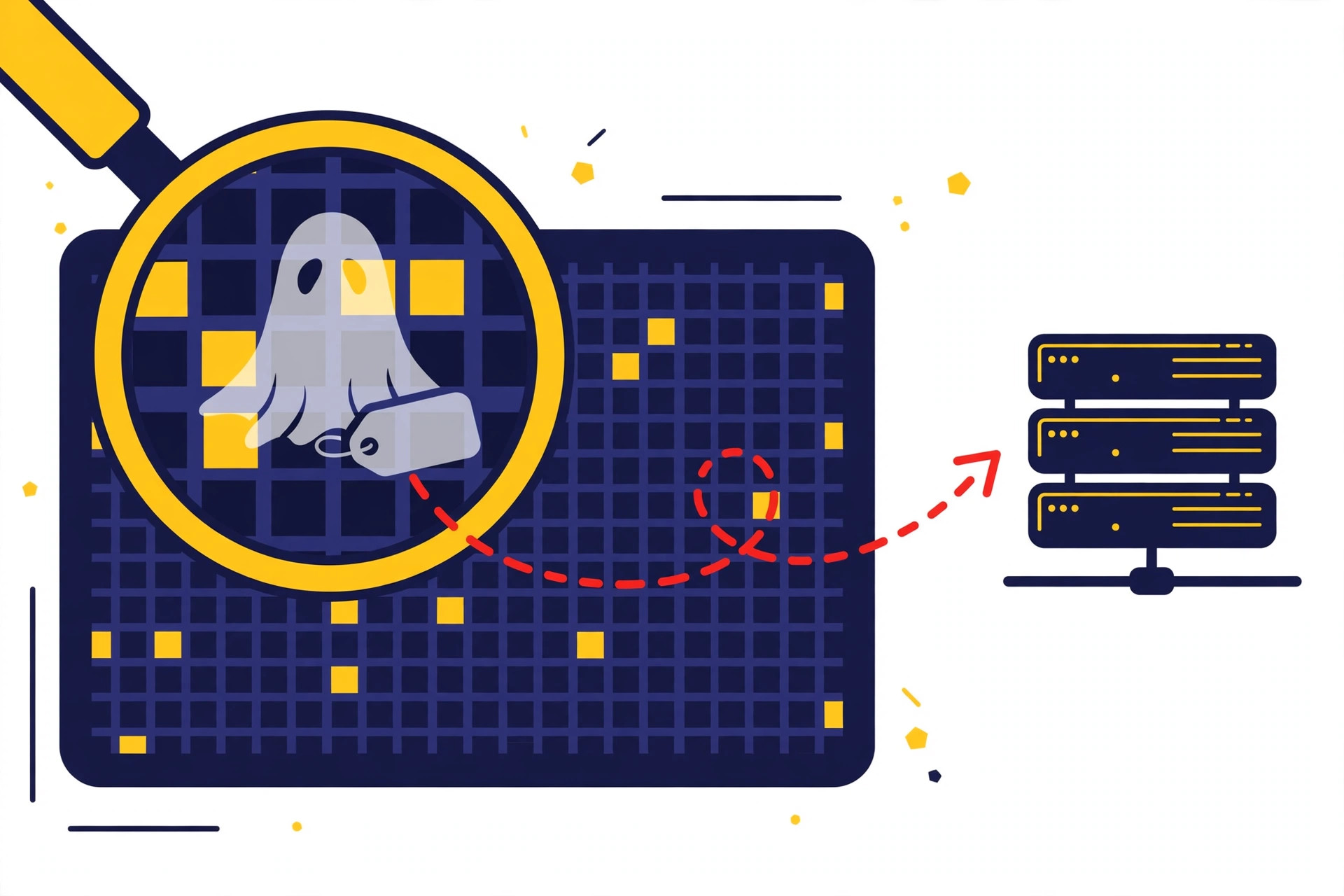
The second kind is baked in by Snapchat. When a creator shares a Spotlight video, Snapchat generates a sharing file (what their system calls a “SpotlightSharing” rendition) with the ghost logo and the creator’s @username burned directly into the video pixels, usually in the top-left corner. That mark is part of the file Snapchat publishes on its own CDN. It arrives inside the MP4 before any downloader ever touches it.
This distinction is the whole game. A downloader controls only the first kind. No downloader can hand you a file cleaner than the one Snapchat published — the only way to erase a burned-in mark is to re-encode the video and blur or crop that corner, which costs you quality. Keep this in mind as we go, because it separates the honest tools from the loud ones.
I Tested SnapToDown on 2 Real Spotlight Links: Measured Results
I don’t trust downloader reviews that never show a single test, so here are mine — run today against our own live extractor at snaptodown.com, with the file type of each result verified byte-by-byte instead of taken on faith.
| Test | Link type | Result | Response time | File check |
|---|---|---|---|---|
| 1 | Public Spotlight video (@anncathrine2025) | ✅ Found — title + thumbnail + video | 2.16 s | HTTP 206, content-type: video/mp4, real video bytes |
| 2 | Public Spotlight video (@christina_dkl) | ✅ Found — title + thumbnail + video | 0.93 s | HTTP 206, content-type: video/mp4, real video bytes |
Both videos resolved to Snapchat’s own content servers (cf-st.sc-cdn.net) — the same CDN the Snapchat app itself streams from. What the tool hands you is the platform’s raw upload: no re-encoding, no overlay, no added watermark. I verified the content type with a ranged download rather than trusting the URL, because some extractors quietly hand you a JPEG thumbnail dressed up as a video. Ours doesn’t — that bug existed in an early build and I fixed it before writing this.

How to Download Snapchat Video Without Watermark in 4 Steps
The whole process takes under a minute and needs nothing installed:
- Copy the link. In the Snapchat app, open the Spotlight video, public Story, or Snap you want to keep. Tap the share arrow and choose Copy Link. On desktop, you can copy the
snapchat.comURL straight from the browser address bar. This only works for public content — a friends-only Story or a Snap sent to you in chat has no shareable public link. - Open snaptodown.com. It runs in any browser — Safari on iPhone, Chrome on Android, anything on desktop.
- Paste the link and tap Download. No account, no login, no app, no limit on how many you save.
- Save the MP4. The tool fetches the raw file from Snapchat’s servers and hands you a direct download link plus a copy-link button.
What You Can (and Cannot) Download From Snapchat
Snapchat was built around ephemerality — disappearing content is the product, not a bug. That architecture draws a hard line every downloader must respect:
| Content type | Downloadable? | Why |
|---|---|---|
| Spotlight videos | ✅ Yes | Public by design, permanent until the creator deletes them |
| Public Stories | ✅ Yes, while live | Public profile stories expire after 24 hours — save them fast |
| Public profile Snaps | ✅ Yes | Anything with a shareable snapchat.com link |
| Friends-only Stories | ❌ No | Requires friend approval; no public file exists |
| Private one-to-one Snaps | ❌ No | Never leave Snapchat’s servers in downloadable form |
| View-once Snaps | ❌ No | Deleted from servers the moment they’re opened |
| Memories | ❌ No | Private, personal storage — export your own from inside the app |
The rule is simple: if Snapchat serves the content to a logged-out browser request, a downloader can reach it. If it sits behind any privacy layer, no external tool bypasses that — and any site claiming otherwise is lying to you.
The Baked-In Watermark, Explained Honestly
Let’s go back to the watermark question, because this is where I want to be completely straight with you.
When you save a video through SnapToDown, you receive Snapchat’s own file, untouched. We add no watermark of our own — no logo, no text, no overlay, no “downloaded with” badge. The file is bit-for-bit what Snapchat’s CDN served.
But if the video is a shared Spotlight clip, Snapchat’s baked-in attribution — the ghost mark and the creator’s @username in the corner — comes along inside that file, because Snapchat burned it in when it generated the shareable copy. I verified this by inspecting the actual renditions Snapchat publishes: thumbnail images are clean, but the sharing video file carries the attribution in its pixels. There is no secret “clean” copy sitting on their servers for a downloader to find.
What does that mean for the tools that promise “automatic watermark removal”? There are exactly two ways to do it, and you should know both:
- Re-encode with a delogo filter — download the video, blur or paint over the watermark corner, and serve you the altered file. This is what at least one competitor openly describes (“server-side delogo filter”). It works, but the blurred patch is visible, fine detail around it is gone, and every download costs server time.
- Claim it and don’t do it — serve the raw file while the marketing copy says “branding removed automatically.” You’d be surprised how common this is.
We chose neither. SnapToDown serves the raw file at full quality with nothing added and nothing smeared. If a pristine, attribution-free copy matters to you more than quality, ask the creator for the original — only they have it. For everything else, what you get here is the best version that exists outside Snapchat’s own app.
SnapToDown vs Other Snapchat Downloaders
I read the top-ranking pages for this keyword before writing a word of this article. Here’s the honest comparison:
- Snapiai — the biggest name on this keyword. Polished page, big “removes the Snapchat branding automatically” claim. The catch is in their own FAQ: the free tier stops at 5 videos per day. No test data, no method disclosed.
- ScreenApp — the most honest competitor I found. They admit baked-in stickers and captions stay in the file, admit dead links fail for every tool, and publish a real comparison table. The catch: downloading the MP4 needs a paid plan.
- TechEvangelistSEO’s downloader — markets a “delogo filter,” batch mode, “10,000+ videos daily” and a “99.2% success rate.” Their own test log says “untestable.” Draw your own conclusions.
- Wondershare / PcGoGo — desktop software. Works, but you’re installing a program (sometimes paid) for a job a browser tab does free.
- The rest — thin pages repeating “no watermark” with no tool depth, no tests, and ad-heavy layouts.
Where SnapToDown sits: free, unlimited, no login, no app — and honest about the one thing it won’t pretend to do. If you count the tools that combine all four, the list gets very short.
How to Save Snapchat Videos on iPhone (Without the App)
iPhone users get tripped up by Safari’s download handling, so here’s the exact flow:
- Copy the Snapchat link from the app (share arrow → Copy Link).
- Open Safari, go to snaptodown.com, paste the link, tap Download.
- When the video is ready, tap Download Video — Safari shows the download icon in the address bar.
- Tap the download icon → the file sits in the Files app under Downloads. From there, tap Share → Save Video to move it into your camera roll.
No App Store download, no configuration profile, no sketchy sideload. If a site ever asks you to install a “helper app” to save Snapchat videos on iOS, close the tab — that’s not how this works.
How to Save Snapchat Videos on Android
Android is simpler, because Chrome hands you the file directly:
- Copy the link from Snapchat.
- Open Chrome, visit snaptodown.com, paste, tap Download.
- Tap Download Video — the MP4 lands in your Downloads folder and appears in your Gallery app.
The file plays in any Android video player. Quality matches whatever Snapchat served — typically 720p to 1080p for Spotlight clips.
When a Snapchat Link Fails (and What the Error Means)
Not every link works, and I’d rather tell you why than show you a spinner forever. When SnapToDown can’t fetch a video, it says so plainly:
- “Snapchat returned 404 — this link looks dead, private, or expired.” The video is gone from Snapchat’s servers (deleted by the creator, expired Story, or removed). I verified this the hard way: a link that still played from a phone’s cache returned empty metadata from Snapchat’s own servers — no title, no thumbnail, no file. Nothing any downloader does can recover it.
- “Please paste a valid public Snapchat link.” The URL isn’t a Snapchat link at all.
- “Could not reach Snapchat.” A network hiccup between our server and Snapchat — wait a moment and retry.
Quick self-test before you blame the tool: paste the link into a private browser window while logged out. If Snapchat itself won’t open it there, no downloader on earth will fetch it either.
Is It Legal to Download Snapchat Videos?
Downloading a public video for personal offline viewing sits in the same space as bookmarking a public web page — but the file still belongs to its creator. Keep it to personal use, credit creators if you repost with permission, and never present someone else’s clip as your own. Snapchat’s own Support pages explain how their content and privacy controls work, and our Terms of Service require you to respect creators’ rights. SnapToDown is not affiliated with or endorsed by Snap Inc. — see our Privacy Policy for how links are handled (processed temporarily, never stored).
Frequently Asked Questions
Can I download a Snapchat video without watermark for free?
Yes. SnapToDown is free and unlimited: paste a public Snapchat link and save the MP4. We add no watermark of our own. Note that Snapchat’s own baked-in creator attribution (ghost logo + @username) ships inside shared video files and stays in the download — no tool serving the raw file can remove it.
Do I need a Snapchat account or login?
No. The tool only reads public links — Spotlight videos, public Stories, and public Snaps. You never enter Snapchat credentials anywhere.
Does it work on iPhone and Android?
Yes. It runs in the browser: Safari on iPhone (save via the Files app, then move to camera roll) and Chrome on Android (saves straight to Downloads/Gallery). Desktop browsers work identically.
Why did my Snapchat link fail?
Usually because the video is gone from Snapchat’s servers (deleted, expired Story) or was never public (friends-only, private Snap). The tool tells you which case it hit instead of failing silently.
Will the creator know I downloaded their video?
No. Fetching a public link reads the same file any logged-out browser would load — it doesn’t trigger view notifications or appear on any viewer list.
What video quality do I get?
Whatever Snapchat serves for that clip — typically 720p to 1080p HD for Spotlight. The file is never re-compressed, so quality is identical to the source.
The Bottom Line
To download Snapchat video without watermark in the sense that matters — no tool branding stamped on your file, no account, no limits, no quality loss — paste the link into SnapToDown and you’re done in under a minute. What you get is Snapchat’s own raw MP4, exactly as published. And now you also know the part most downloader sites won’t tell you: the ghost-and-username mark in the corner comes from Snapchat’s servers, not from us, and “removing” it anywhere else means someone re-encoded your video and hoped you wouldn’t notice the blur. If you have questions, contact us — a human reads every message.



One Comment