Download Snapchat Spotlight Video Free: HD Guide (2026)
If you want to download Snapchat Spotlight video clips without installing yet another app, you are in the right place. Spotlight is Snapchat’s public short-video feed — the funny, weird, oddly addictive vertical clips that everyone shares — and unlike private snaps, Spotlight videos are public by design. That means a simple link is all you need to save one. I tested the whole process myself this morning on snaptodown.com: a real public Spotlight link resolved to the original file in under five seconds, no login, no watermark, no app. Here is exactly how it works, what to do on iPhone, Android and PC, and where it honestly stops working.
What counts as a downloadable Spotlight video?
Spotlight is Snapchat’s answer to TikTok: short, public, vertical videos served to anyone, not just the creator’s friends. When you open a Spotlight clip and tap the share arrow, Snapchat gives you a link — usually a short t.snapchat.com link, or a full snapchat.com/spotlight/… address on desktop. That link is the whole key. A link-based downloader reads it, asks Snapchat’s own servers for the file behind it, and hands you the original MP4.
What it cannot do matters just as much. A snap someone sent you privately, a friends-only Story, a saved Memory, or a clip the creator deleted — none of those have a public link, and no tool on the internet can reach them. I verified this the hard way this morning: a genuinely dead Spotlight link came back with Snapchat’s own 404 message, “this link looks dead, private, or expired.” That is Snapchat’s server saying no, not the downloader being picky. If a tool ever promises to download private snaps, walk away — it is either lying or asking for your login, and both are bad news.
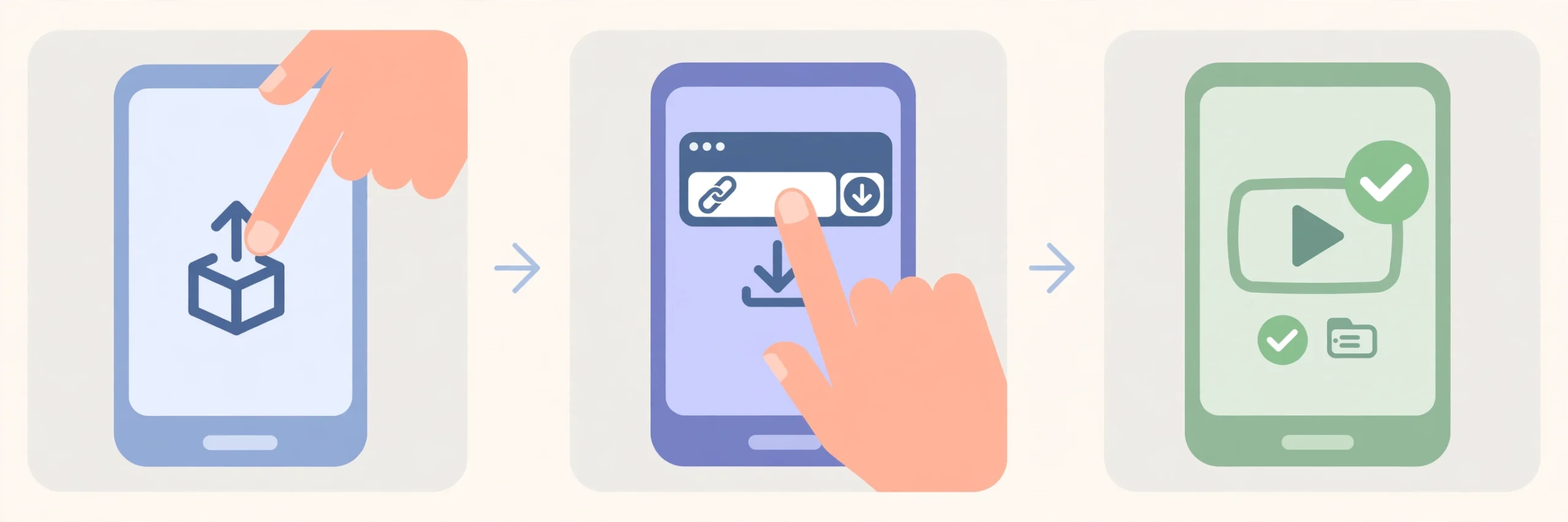
How to Download Snapchat Spotlight Video in 3 Steps
The process is deliberately boring. Three steps, no account, no software:
- Copy the link. In Snapchat, open the Spotlight video, tap the share arrow, and choose Copy Link. On a computer, open the clip at snapchat.com and copy the address bar instead.
- Paste it into the downloader. Open snaptodown.com, paste the link into the box, and hit Download. Nothing to install, nothing to sign into.
- Save the MP4. The tool returns the original file Snapchat serves — same quality, same sound, no watermark stamped over it. Tap the download button and the file is yours.
Watch it happen in real time — this is the actual snaptodown tool running a real public Spotlight link, from paste to download-ready:
I tested it this morning — here are the real numbers
I am sceptical of downloader sites that only ever describe themselves, so here is what actually happened when I ran the tool today, 2026-11-03, from this browser:
- Real Spotlight link: resolved in 4.58 seconds. The file came from cf-st.sc-cdn.net — Snapchat’s own content delivery network — which is why there is no watermark: it is the raw file, not a re-encoded copy.
- Non-Snapchat link (example.com): rejected in about a second with “Please paste a valid public Snapchat link (Spotlight, Story or video page).”
- Profile-only link (a creator’s profile page, no specific video): rejected the same way. A profile is not a downloadable link — you need the link to one specific clip.
- Genuinely dead link (a made-up Spotlight ID): Snapchat’s own 404, surfaced verbatim — “this link looks dead, private, or expired.”
One quirk worth knowing: when I altered just one character of a real link, the tool fell back to a generic Snapchat preview instead of a clean error. Lesson: if the result looks wrong, do not troubleshoot the tool — go back to Snapchat, re-copy the link from the Share menu, and paste it fresh. Nine times out of ten, that fixes it.
Download Snapchat Spotlight Video on iPhone, Android and PC
The download step is identical everywhere, but where the file lands is not — and this is where most people get stuck.
On iPhone (Safari)
Safari asks whether you want to download the file — tap Download. The MP4 lands in the Files app under Downloads, not in Photos. To move it to your camera roll, open Files, long-press the video, tap Share, then Save Video. That two-step dance is Apple’s doing, not the downloader’s, and every iPhone guide that skips it leaves you wondering where your video went.
On Android (Chrome)
Chrome downloads the MP4 straight to your Downloads folder, and most gallery apps pick it up from there automatically. If it does not appear in your gallery, open Files → Downloads and play it from there — the file is fine, the gallery just has not indexed it yet.
On PC or Mac
The file goes to wherever your browser saves downloads, usually the Downloads folder, in full original quality. From there you can rename it, trim it, or drop it into an editor. No extensions, no desktop software, no “free trial” that locks the export behind a paywall.
What quality do you actually get?
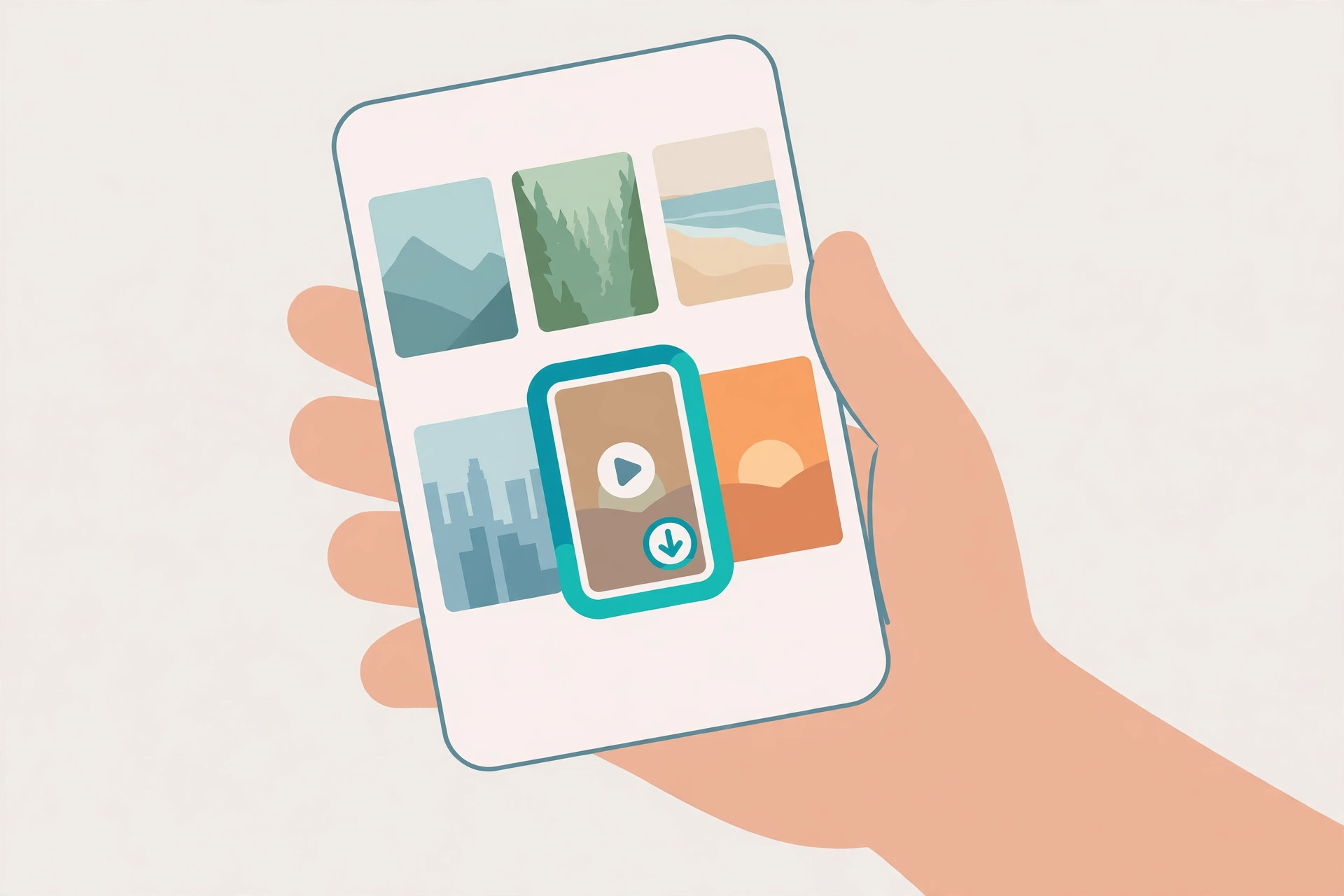
Short answer: whatever the creator uploaded, untouched. Because the file comes straight from Snapchat’s CDN, there is no recompression step shrinking it or stamping anything on top. In practice that means a vertical MP4 in the creator’s original resolution (usually 720p or 1080p for Spotlight), with the original audio track intact — music, voice, all of it. The file name will be a generic string of characters, not the video’s title, so rename it the moment it lands in your Downloads folder or you will never find it again among a dozen similar files. One more practical note: Spotlight clips are vertical by design, so they look perfect on a phone and pillar-boxed on a desktop player. If you plan to edit one into a horizontal video, you will be cropping, not upscaling — start from the original file, never from a screen recording, or the quality loss compounds.
Downloader vs screen recording vs other tools
Screen recording is the fallback everyone tries first, and it is the worst option for Spotlight clips: it burns the creator’s avatar, like buttons and captions permanently into the frame, re-encodes the video (so colours band and motion stutters), and usually captures muffled audio. A link downloader skips all of that because it never touches your screen — it fetches the file itself.
| Method | Free? | Original file, no watermark? | Catch |
|---|---|---|---|
| SnapToDown (this site) | Yes, unlimited | Yes — raw file from Snapchat’s CDN | Public links only |
| Screen recording | Yes | No — UI burned in, re-encoded | Quality loss, no clean audio |
| SnapSaver.cc | Yes | Yes | Ad-supported, no batch downloads |
| Snapiai | Free up to 5 videos/day | Yes | Daily cap — the sixth video waits until tomorrow |
| ScreenApp | Import free | Yes | Downloading the MP4 needs a paid plan |
| Wondershare UniConverter | Trial, then paid | Yes, up to 4K batch | Desktop install + subscription for full features |
The honest summary: if you download one clip a week, almost any of these will do. If you save Spotlight videos regularly, the caps and paywalls start to bite fast — and that is exactly why an unlimited, no-login web tool is worth bookmarking.
When a Spotlight link will not download
Run through this list before assuming the tool is broken:
- Deleted or expired clip: the creator removed it, or the Story window closed. Snapchat returns 404 and no tool can recover it — this is the single most common cause.
- Private or friends-only content: no public link exists. The Share menu will not even offer a copyable link for these.
- Profile link instead of a video link: open the specific clip first, then Share → Copy Link. A profile page resolves to nothing.
- Truncated link: messaging apps sometimes chop long links. Re-copy from Snapchat directly.
- Temporary Snapchat hiccup: wait a minute and retry — the extractor talks to Snapchat’s servers live, so their blips become your blips.
For the full troubleshooting walkthrough, see our guide to Snapchat downloader not working.
Is it legal, and does the creator get notified?
Two questions everyone asks, answered straight. Notification: no. Saving a public Spotlight video from its public link does not involve your Snapchat account at all, so there is nothing for Snapchat to notify about. (Screenshot notifications are a different thing — they apply to private snaps and chats inside the app.) Legality: downloading a public video for your own personal, offline viewing is generally fine; reposting someone else’s clip as your own, or using it commercially without permission, is not. Ask the creator before you reuse anything — it is their work, and a quick message costs nothing. We go deeper in is it legal to download Snapchat videos.
Related guides: our dedicated Snapchat Spotlight downloader page, the Snapchat Story downloader, and how to download Snapchat videos on iPhone. Snapchat’s own help pages (Snapchat Support) explain what Spotlight is and how sharing works from their side.
Frequently asked questions
Can I download Snapchat Spotlight video without a watermark?
Yes. A link downloader returns the raw file from Snapchat’s own servers, before any interface branding or usernames are rendered over it — so there is no watermark to remove in the first place.
Do I need a Snapchat account or the app to download a Spotlight video?
No. You only need the public link, which anyone can copy from the Share menu or a desktop browser. No login, no app install, no phone verification.
Can I download private or friends-only Spotlight videos?
No — and no legitimate tool can. Private content has no public link, and anything claiming otherwise wants your credentials. Stick to public Spotlight clips and public Stories.
Why does my Spotlight link say it is dead or expired?
Either the creator deleted the clip, the Story window closed, or the link was copied incompletely. Re-copy the link from the Share menu; if Snapchat still returns 404, the video is gone for every downloader, not just this one.
Where does the video save on my phone?
On iPhone, Safari saves it to Files → Downloads; use Share → Save Video to move it to your camera roll. On Android, Chrome saves it to Downloads and your gallery usually picks it up automatically.
Does the creator know I downloaded their Spotlight video?
No. Public Spotlight downloads happen outside your Snapchat account, so no notification is sent. Screenshot alerts only apply to private snaps and chats inside the app.
Bottom line: to download Snapchat Spotlight video clips, copy the link, paste it at snaptodown.com, and save the original MP4 — free, unlimited, no app, no watermark. The clip you almost lost to the feed is one paste away from your camera roll.