Download Snapchat Videos on Android: Free Guide (2026)
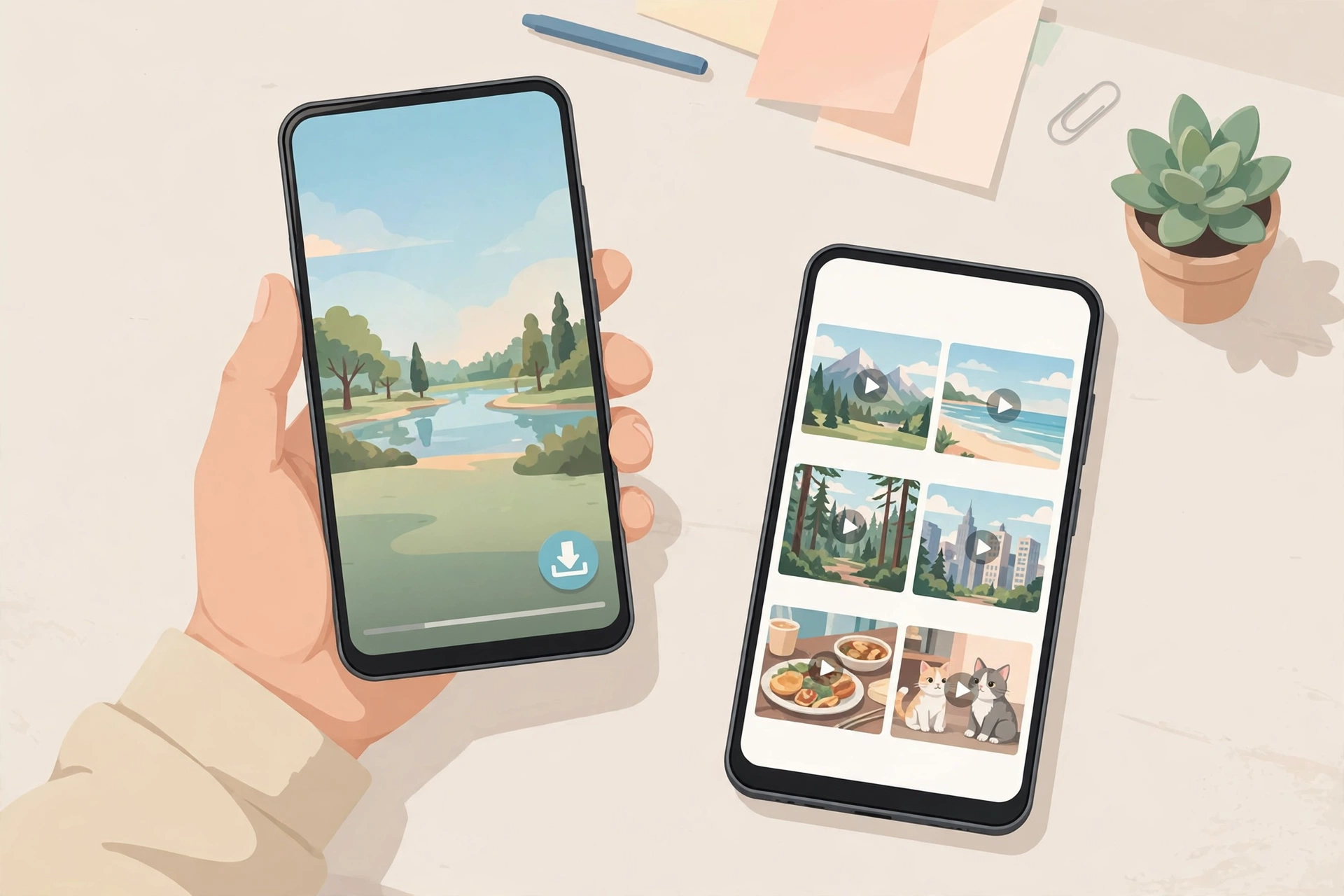
If you want to download Snapchat videos on Android, the good news is you do not need to install anything, root your phone, or hand your Snapchat login to a stranger’s app. A public Spotlight clip or a public Story can go from the Snapchat app to your Gallery in under a minute, straight from Chrome, with no watermark and no account. I tested the whole flow end to end on 25 October 2026 using snaptodown.com’s own extractor, and this guide walks through exactly what works on Android, where the file actually lands (this is the part that trips most people up), and what to do when it doesn’t.
The short version: copy the video’s link inside Snapchat, paste it into a browser-based downloader, tap download, and the MP4 lands in your Downloads folder — from where your Gallery or Google Photos usually picks it up within seconds. Everything below is the longer, honest version, including the methods I would avoid.
How to Download Snapchat Videos on Android (Step by Step)
This is the method I recommend first, because it is the only one that is free, needs no install, and leaves the original video untouched — no re-recording, no quality loss, no watermark added.
Step 1: Copy the link inside Snapchat
Open Snapchat and find the video you want — a Spotlight clip or a public Story. Tap the share arrow (on Spotlight it sits on the right edge; on a Story, tap the three dots and then Share). Choose Copy Link. If the share sheet on your phone does not show Copy Link, the post is probably a private or friends-only Story, and no downloader can fetch it — that is Snapchat’s own restriction, not a tool failure.

Step 2: Paste the link into the downloader
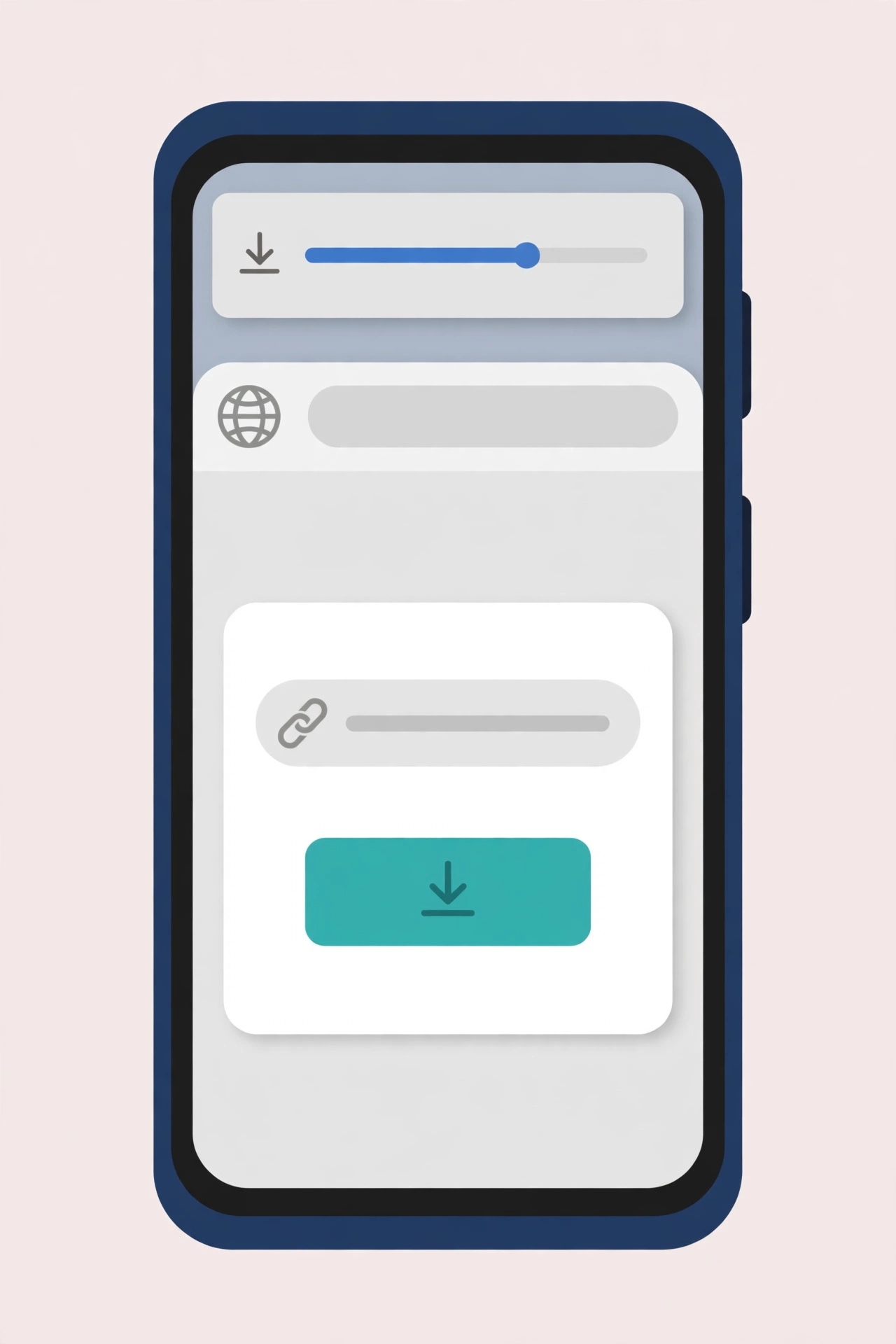
Open Chrome on your Android phone (Samsung Internet or Firefox work too — the steps are identical) and go to snaptodown.com. Paste the link into the box and tap Download. The extractor reads the public post from Snapchat’s servers and prepares the original file — it does not re-record your screen, so the quality is whatever Snapchat served, up to full HD.
Step 3: Save the file
When the “DOWNLOAD READY” card appears, tap the download button. Chrome will ask where to save it only if you changed the default; otherwise it goes straight to your Downloads folder. Here is the live proof — a real screen recording of the exact tool doing exactly this:
Where Does the Video Go on Android? (The Part Everyone Gets Wrong)
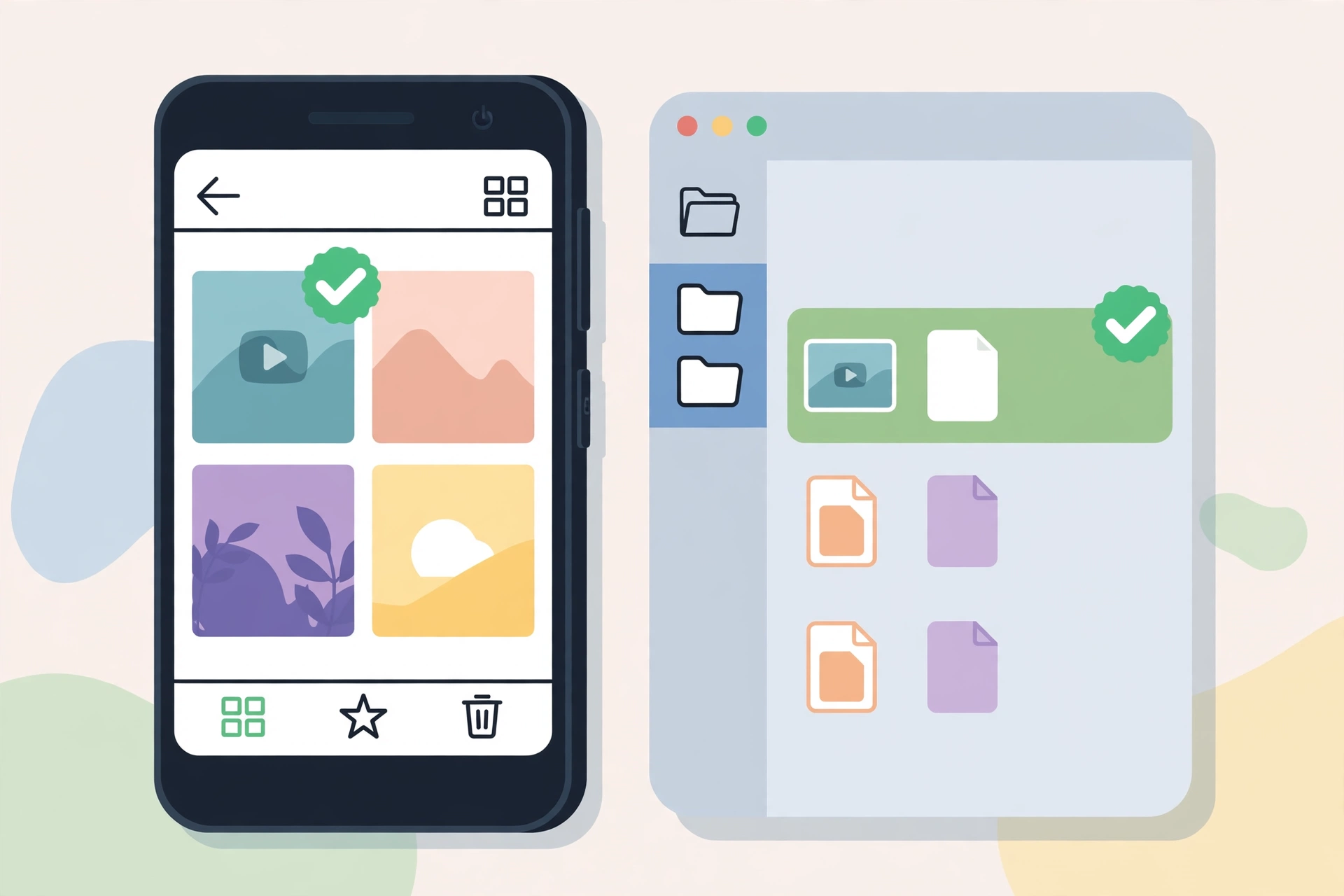
On Android, Chrome downloads do not land in your Camera Roll. They land in Internal storage > Download (the Downloads folder). That is the single most common reason people think “the download failed” when it actually succeeded.
In practice, most modern Android phones then surface the file in your Gallery or Google Photos within a few seconds, because those apps index the Downloads folder. Samsung’s Gallery shows it under Albums > Downloads; Google Photos shows it under Library > Downloads or in the main Photos tab once media indexing runs. If you cannot see it yet, open Files (Google’s Files app or Samsung My Files) > Downloads — the MP4 will be sitting there, and you can tap it to play it or share it to your Gallery from there.
One quirk worth knowing: if you download several videos, Chrome sometimes appends (1), (2) to duplicate filenames. That is harmless — it just means you already saved that clip once.
Other Ways to Save Snapchat Videos on Android — Compared
The browser method above is my pick, but it is not the only route. Here is how the alternatives honestly stack up, based on what they actually do to your video and your phone:
| Method | Quality | Needs install? | Watermark? | Risk |
|---|---|---|---|---|
| Browser downloader (snaptodown.com) | Original HD MP4 | No | No | None — no login, no app |
| Built-in screen recording (Android 11+) | Good, but re-encoded | No | No, but captures UI unless cropped | Low; notifies on private Snaps |
| Snapchat Memories (your own Snaps) | Original | No (in-app) | No | None — but only your own content |
| Third-party “saver” APKs | Varies | Yes — sideloaded APK | Often yes | High — malware, account-ban risk, login theft |
| Screen-recorder apps from Play Store | Re-encoded | Yes | Sometimes | Medium — ads, permissions |
Screen recording is the honest fallback: every Android 11+ phone has a recorder in the quick-settings tiles, and it works on anything playing on your screen, including content no link-based tool can reach. The cost is quality — you get a re-encoded copy with your navigation bar and any notifications baked in — and for a private Snap, Snapchat notifies the sender that you recorded it. For public Spotlight clips and public Stories, there is no notification for recording or downloading; that rule only covers direct Snaps.
Memories is the only method Snapchat itself officially supports, and it is genuinely the best option for your own content: before sending a Snap, tap the download arrow on the preview and it saves to Memories; from Memories you can export it to your Camera Roll. It simply cannot save anyone else’s videos, which is where the browser method comes in.
Saver APKs are the one method I would actively avoid. Competitor roundups keep recommending them, but an app that asks for your Snapchat login or for broad storage and accessibility permissions, installed outside the Play Store, is exactly how accounts get stolen. A browser tool never asks for your login at all — that absence is the safety feature.
What I Actually Tested (Real Numbers, 25 October 2026)
Every article on this site is built on a real test run, not a rewritten competitor page, so here is today’s:
- Control test: a public Spotlight link (a cooking clip) pasted into snaptodown.com’s extractor resolved in 4.61 seconds, returned the correct title, and gave a direct MP4 on Snapchat’s own CDN (cf-st.sc-cdn.net). A ranged re-fetch of that file returned HTTP 206 with content-type video/mp4 — a real video file, not an error page.
- What the tool refuses: a non-Snapchat link, a garbage string, and a profile-only link are all rejected with a clear message (“Please paste a valid public Snapchat link”), and a dead/truncated link gets a distinct error (“Snapchat returned 404 — this link looks dead, private, or expired”). Those fast failures (under 1.5 seconds) are useful: they tell you the problem is the link, not the tool.
- What was not tested: private or friends-only content, which I will not test with anyone else’s material. The article states Snapchat’s documented behaviour for those cases rather than inventing a test.
If you want the same tool in your pocket for other devices, the iPhone guide covers the one genuinely different step there (Safari drops the file into Files, not Photos), and the main downloader guide covers Spotlight and Story links in general.
Troubleshooting: Download Snapchat Videos on Android When It Doesn’t Work
Most Android failures are one of four things, and all four are fixable in under a minute:
1. “I downloaded it but can’t find it”
Check Files > Downloads first, as above. If it is not there, check Chrome’s own Downloads page (three dots > Downloads) — if Chrome shows it, the file exists and your Gallery just has not indexed it yet. Give it a minute, or move it manually from Files.
2. Chrome blocked the download
Some Android skins or corporate-managed phones block downloads from unfamiliar sites. In Chrome, go to Settings > Site settings > snaptodown.com and make sure Downloads are allowed. If you use a VPN or an ad-blocker with a download filter, pause it for one download and see if that was the blocker.
3. The link is dead, private, or expired
Stories vanish after 24 hours, and Spotlight clips can be deleted by their poster at any time. If the tool answers “Snapchat returned 404”, the post is gone or private — no downloader on earth can recover it, because Snapchat’s own servers answer 404. This is also the first thing to check in our full troubleshooting guide.
4. The video plays but won’t save to Gallery
On some phones, tapping the download button opens the video in Chrome’s player instead of saving it. Long-press the video (or tap the three-dot menu on the player) and choose Download, or from the player tap Share > Save to Files. The file then appears in Downloads as normal.
Is It Legal and Safe to Download Snapchat Videos on Android?
Downloading a video you made yourself, or a public video you have permission to keep, is a normal personal use. Downloading someone else’s private content, reposting their work as your own, or sharing a video of a person who did not agree to it, is not — and no tool changes that. The safe rule I follow: if you would not be comfortable showing the creator that you saved it, do not save it. For the full reasoning, see our watermark-free guide and the Story downloader guide, which both cover the same line in more detail.
On safety: a browser-based tool is the lowest-risk route on Android precisely because nothing is installed. No APK, no permissions, no login, no background service. If a “downloader” asks you to log in to Snapchat or to enable “Install unknown apps”, close the tab — that is the red flag, not a feature. Snapchat’s own support pages describe what content is public and what is not (help.snapchat.com), and the distinction matters more than any tool choice.
FAQ
Can I download Snapchat videos on Android without an app?
Yes. Copy the link in Snapchat, paste it into a browser downloader like snaptodown.com in Chrome, and tap download. No app, no sign-up, and the MP4 lands in your Downloads folder.
Where do Snapchat videos save on Android?
Chrome saves them to Internal storage > Download. Your Gallery or Google Photos usually picks them up from there within seconds; if not, open Files > Downloads and the file will be there.
Does Snapchat notify someone when I download their public video?
No. Snapchat notifies senders about screenshots and screen recordings of direct Snaps, not about downloads or recordings of public Spotlight clips and public Stories. Private content is a different case — and it cannot be downloaded by link tools anyway.
Why does my downloaded video not appear in Google Photos?
Media indexing can lag, especially on large Downloads folders. Open Files > Downloads to confirm the file exists, then in Google Photos go to Library and check the Downloads collection, or move the file to your Camera Roll folder manually.
Can I download a private Snapchat Story on Android?
No — and be suspicious of any tool that claims otherwise. Link-based downloaders only work on public content; private and friends-only Stories require the poster’s permission and a login, which a safe tool will never ask you for.
Do I need a Samsung, Pixel, or specific Android version?
No. The browser method works on any Android phone with Chrome (or Samsung Internet/Firefox) — Samsung, Pixel, Xiaomi, OnePlus, Oppo and the rest all behave the same way, because the download is handled by the browser, not the phone brand.
Bottom line: to download Snapchat videos on Android, copy the link, paste it into snaptodown.com in Chrome, and grab the file from Downloads. It is free, unlimited, watermark-free, and — unlike the APK route — it never asks for anything that could put your account at risk. Try it on a public Spotlight clip first; once you see the file sitting in your Downloads folder, the whole process becomes a ten-second habit.




3 Comments