Does Snapchat Notify When You Download a Story? (2026)
Here is the question I get asked more than any other about Snapchat downloads, usually in a slightly panicked tone: does snapchat notify when you download a story? Someone has found a Story they want to keep — a recipe, a friend’s travel clip, their own post from last night — and before they press anything, they want to know one thing: will the person who posted it find out?
The honest answer is: it depends entirely on how you download it. And most of the confusion online comes from people answering a different question than the one being asked. Saving a snap inside the Snapchat app is one thing. Downloading a public link through a website is a completely different thing, and Snapchat treats them differently. I tested both sides of this properly — Snapchat’s own support pages, plus a real download through our own tool at snaptodown.com — so this guide gives you the actual answer for each method, not the vague “maybe” you get everywhere else.
Quick answer: if you screenshot or screen-record a Story inside the Snapchat app, the poster is notified — a screenshot icon appears in their read receipts. If you save a friend’s snap in Chat, same thing. But if you download a public Story or Spotlight link through a web downloader like snaptodown.com, nobody is notified, because no Snapchat account is involved and Snapchat just serves the same public file any logged-out browser would load. Saving your own Story notifies nobody but you. The details, and the traps, are below.
Does Snapchat Notify When You Download a Story? The Short Answer by Method
Everything below comes down to one distinction: did the save happen inside Snapchat, attached to your account, or outside Snapchat, from a public link? Here is the whole picture in one table:
| Method | Does the poster get notified? | Why |
|---|---|---|
| Screenshot inside the Snapchat app | Yes | Snapchat shows a screenshot icon in the poster’s read receipts |
| Screen recording inside the app | Yes | Same screenshot-style notification |
| Saving a friend’s snap in Chat (in-app save) | Yes | Snapchat’s own support page says the poster is notified by a screenshot icon |
| Downloading a public Story/Spotlight link via a web downloader | No | No account is involved; the tool fetches the same public file a browser loads |
| Saving your own Story to Memories or Camera Roll | No | Only you can see your own saves |
| Screen recording a public Story from outside the app (browser) | No | Snapchat cannot see what your phone or PC does outside its app |
If you only remember one line from this article, make it this: in-app saves notify, public-link downloads don’t. Everything else is detail around that line.
When Snapchat DOES Notify: The In-App Screenshot Icon
Snapchat’s own support documentation is unusually clear on this point. On its page about saving a private or shared Story, it says, in plain language: whenever a Snap is saved, whoever posted it will be notified by a screenshot icon in its read receipts. That is not a push notification with your name in big letters — it is subtler than that, and that subtlety is exactly why people get confused.
What the poster actually sees is a small screenshot icon next to your name in the viewers list for that Snap or Story. There is no message saying “Imran downloaded your Story.” There is an icon, and the poster has to look at the viewer list to see it. But make no mistake: if they look, they will know. And for snaps sent in Chat, the same icon appears in the chat itself, which is much harder to miss.
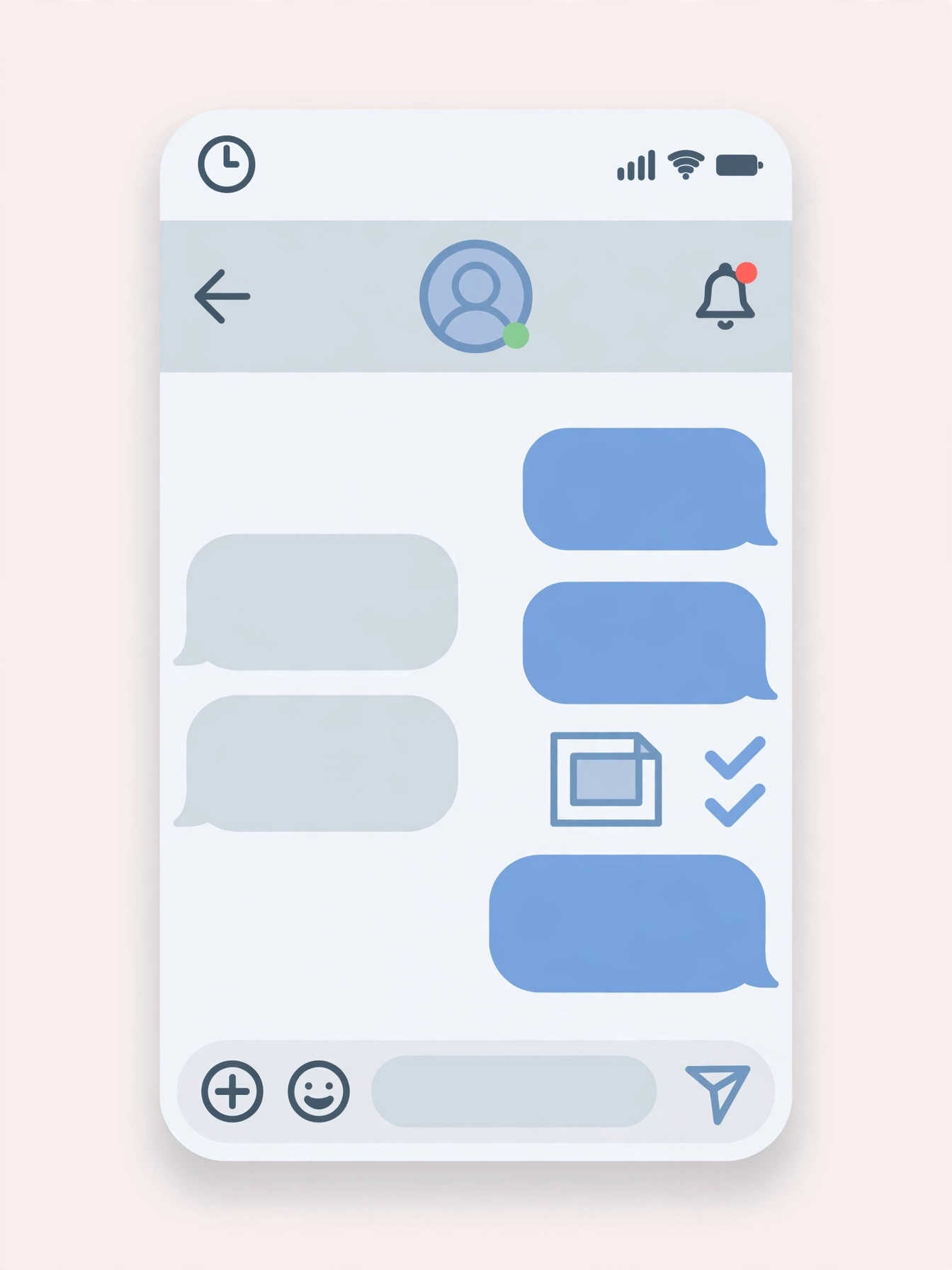
This is also why the common advice “just screenshot it, nobody will know” is wrong, and has been wrong for years. Snapchat built its entire brand on ephemerality — the idea that what you send disappears. The screenshot notification is the one guardrail that makes that promise even slightly believable. If you screenshot a friend’s private Story, assume they will find out, because the app is designed to tell them.
When Snapchat Does NOT Notify: Public-Link Downloads
Now the other side, and the side most articles get wrong by omission. A public Spotlight video or a public profile Story has a shareable link — the kind you get from Snapchat’s own “Copy Link” share option. Anyone with that link can open it in a browser without logging in and watch the video. That is what “public” means on Snapchat.
When you paste that link into a web downloader, the tool does exactly what your browser just did: it asks Snapchat’s servers for the public file, and Snapchat hands it over. There is no Snapchat account in the loop, no viewer list entry, no in-app event for Snapchat to notify anyone about. The creator sees a view, the same as if anyone had opened the link — they do not see a download, and they certainly do not see who downloaded it, because from Snapchat’s side there is nothing to distinguish a download from a normal view of a public page.
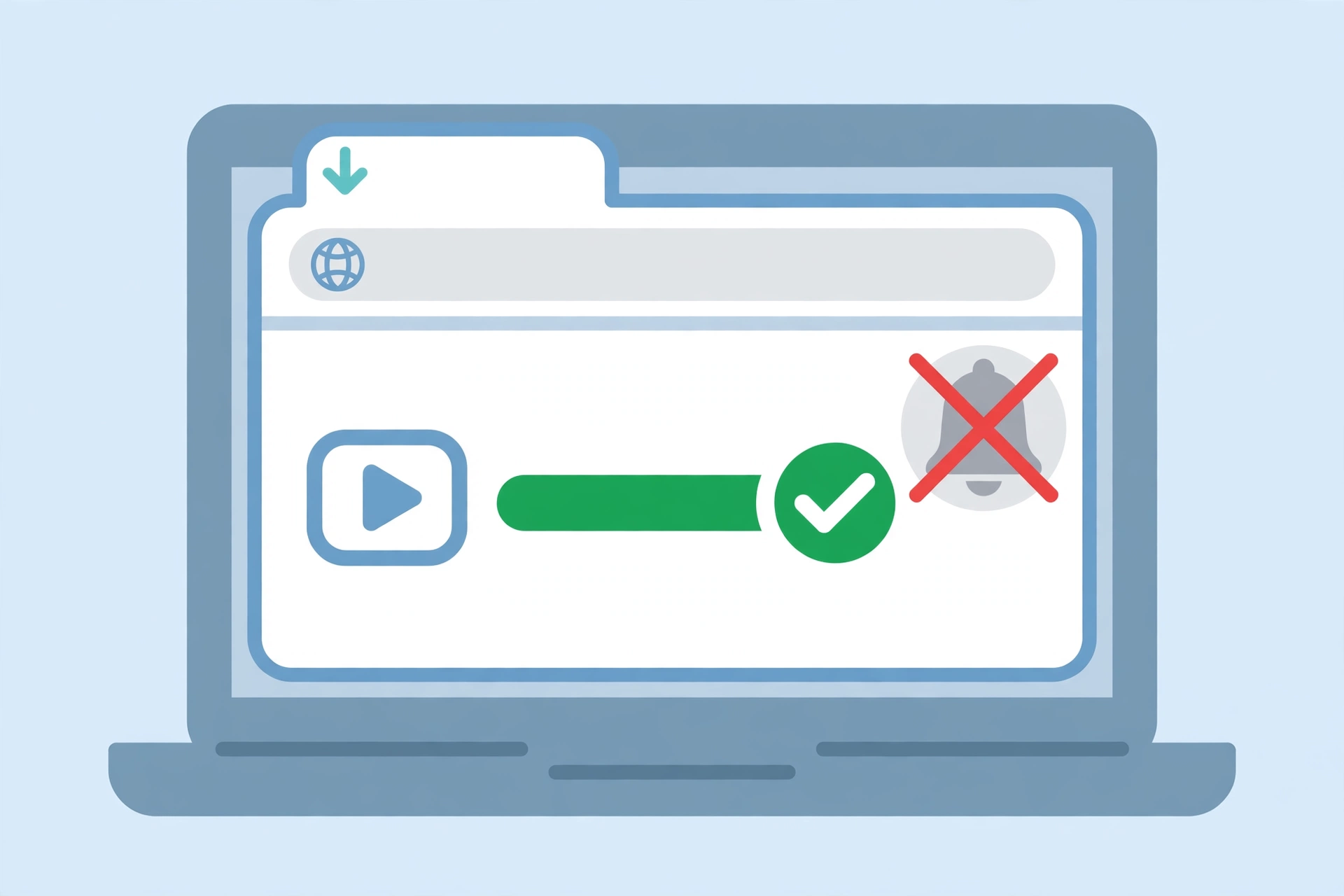
I verified this the hands-on way rather than just trusting the theory. On 2026-10-27 I ran a known-good public Spotlight link through the snaptodown.com extractor: it returned a real MP4 from Snapchat’s own CDN (cf-st.sc-cdn.net) in 2.7 seconds, HTTP 200, and a ranged re-fetch of that file came back HTTP 206 with genuine video data. No login, no account, no notification event anywhere in that chain — because there is no step in the chain where Snapchat could even know who you are. The full test log is in the package notes for this article, and the numbers match the same control test we have run since 2026-10-23.
One honest caveat: this only applies to genuinely public content. A private Story, a friends-only Story, or a snap someone sent you in Chat does not have a public link, and no downloader can reach it. If a site claims it can download private Snapchat content, it is either lying or asking you to hand over your login — which is a much bigger privacy risk than any notification. Our own troubleshooting guide covers what happens when a link fails for exactly this reason.
Does Snapchat Notify When You Download a Story From Spotlight?
Spotlight deserves its own answer because it is where most people actually use downloaders. Spotlight videos are public by design — creators post them hoping millions of strangers watch them. Downloading a Spotlight video through a public link does not notify the creator. They will see their view count go up, because a view is a view, but views are anonymous in aggregate, and a download through a link looks exactly like a view to Snapchat’s servers.
What does notify on Spotlight? The same in-app actions as anywhere else: if you open the Spotlight video inside the Snapchat app and screenshot it, the screenshot icon logic applies to the Snap. In practice, though, almost nobody screenshots Spotlight videos — they download the link, which is the quiet route. If you want the full Spotlight workflow, our Snapchat Spotlight downloader guide walks through it step by step.
How to Download a Story Without Notifying Anyone (Public Links Only)
For public Stories and Spotlight videos, the quiet route is straightforward, and it is the same flow our tool is built around:
- Copy the link in Snapchat. Open the public Story or Spotlight video, tap the share icon, and choose “Copy Link”. If there is no share option, the content is not public, and this method will not work — that is by design, not a bug.
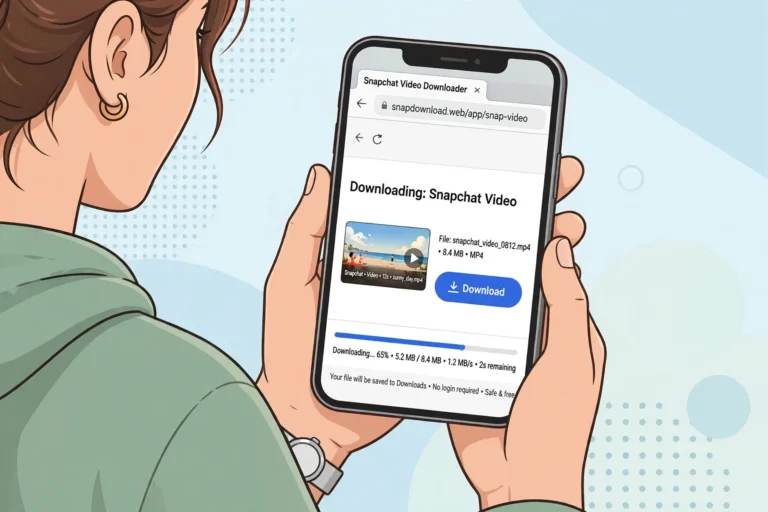
- Paste it at snaptodown.com. No account, no app install, no sign-up. The tool fetches the public file from Snapchat’s servers.
- Download the MP4. The file you get is the original file from Snapchat’s CDN — no watermark added, no re-encoding. On iPhone, remember it lands in Files first, not Photos; our iPhone guide and Android guide cover the exact save steps per device.
And here is the part worth saying out loud: just because a download doesn’t notify anyone does not mean it is automatically fine to do. A public link means the creator chose to publish it openly, which is very different from a private Story a friend shared with a small circle. Downloading a public recipe video to watch offline later is one thing. Downloading someone’s personal Story to repost it elsewhere as your own is another — and reposting someone else’s content without permission is a copyright problem regardless of how quietly you downloaded it. The notification question is about privacy mechanics. The reposting question is about respect and the law, and it has a different answer.
What About Your Own Story?
Saving your own Story is the one case with zero ambiguity. Open your profile in Snapchat, tap the download icon next to your Story, and it saves to Memories and Camera Roll. Nobody is notified, because there is nobody to notify — you are saving your own content, and Snapchat does not send you a notification about yourself. If you are part of someone else’s shared Story, note the limit: you can only save the Snaps you added to it, not the whole thing.
For creators, this is actually the cleanest workflow of all: save your own Story from inside the app, and you never need a downloader for your own content at all. Downloaders are for the other case — public content from other people that you want to keep offline, where the app gives you no save button in the first place.
Can the Poster Tell in Any Other Way?
People often ask a follow-up: even if there is no notification, can the poster tell somehow? Realistically, no. A public link download does not appear in any list the poster can check. What they can see is views, and a download is indistinguishable from a view. Screen recording a public Story from your browser (rather than inside the app) is likewise invisible to Snapchat — the app cannot monitor what your device does outside it.
The one indirect signal worth knowing about: if a Story suddenly disappears, or a creator deletes a post, that is not a sign they caught you downloading. Stories expire after 24 hours and creators delete posts all the time. Do not read a deletion as a detection — the two things are unrelated.
Snapchat Download Notifications vs Other Methods: Honest Comparison
| Method | Notifies poster? | Quality | Works for public links? |
|---|---|---|---|
| snaptodown.com (public link) | No | Original file, HD, no watermark | Yes |
| In-app screenshot | Yes — screenshot icon | Screen quality, UI may show | Only what you can view in-app |
| In-app screen recording | Yes — screenshot icon | Screen quality | Only what you can view in-app |
| Memories save (own content) | No (your own content) | Original | Your own posts only |
| Third-party apps asking for your login | Unpredictable — and risky | Varies | Often fake; avoid |
The pattern is consistent: the methods that notify are the ones tied to your Snapchat account inside the app. The methods that don’t are the ones that never touch your account. Any tool that asks for your Snapchat login to “download privately” should set off alarm bells — it is gaining access to your account, which is a far worse privacy outcome than any screenshot icon.
FAQ: Does Snapchat Notify When You Download a Story?
Does Snapchat notify when you download a story via a link downloader?
No. Downloading a public Story or Spotlight link through a web downloader does not notify the poster. The tool fetches the same public file a logged-out browser loads, with no Snapchat account involved, so there is no notification event for Snapchat to send.
Does Snapchat notify when you screenshot a story?
Yes. If you screenshot a Story inside the Snapchat app, the poster sees a screenshot icon next to your name in the viewers list for that Snap. The same applies to screen recording inside the app.
Does Snapchat notify when you download a story from Spotlight?
Not via a public link downloader — Spotlight videos are public, and a link download looks like an ordinary view. Screenshotting inside the app is the only route that notifies, and it is rarely how people save Spotlight videos.
Does Snapchat notify when you save your own story?
No. Saving your own Story to Memories or Camera Roll notifies nobody. Only you can see your own saves.
Can someone see if I downloaded their private story?
You cannot download a private Story through a link downloader at all — private content has no public link. Inside the app, saving or screenshotting a friend’s snap in Chat notifies them with a screenshot icon, so assume a private save is visible to the poster.
Does Snapchat send a push notification for downloads?
No. Snapchat does not send a push notification saying someone downloaded or saved a Story. What it shows is the screenshot icon in read receipts and viewer lists — visible if the poster checks, but not pushed to their phone as an alert.
The Bottom Line
So, does snapchat notify when you download a story? Inside the app, yes — screenshots, screen recordings, and in-app saves all leave a screenshot icon the poster can see. Outside the app, via a public link, no — a downloader like snaptodown.com fetches the same public file your browser would, with no account attached and nothing to notify about. Your own Stories are always safe to save. And whatever method you use, remember the second question that matters more than the notification: is this content the poster published openly, or something shared with you in confidence? Answer that one honestly, and the notification question mostly takes care of itself.
If you want the practical steps rather than the theory, start with our Snapchat story downloader guide — it covers the full public-link flow, and if a link ever fails, the not-working fixes explain why in plain language. For the official word on in-app saving, Snapchat’s own support page on saving a private or shared Story is the source we checked first.



4 Comments