Snapchat Story Downloader: Save Public Stories Free (2026)
Snapchat stories are designed to disappear. Twenty-four hours after posting, a story is gone from Snapchat’s servers for good — no recycle bin, no “recently deleted” folder, no way to ask for it back. That’s the whole point of the app, and it’s also exactly why so many people end up searching for a snapchat story downloader at 11:47 PM with a story expiring at midnight.
I tested one properly — the free web-based snapchat story downloader at snaptodown.com — by running real public story links through it and checking what actually came back: timing, file type, honest errors on dead links. No screenshots of a tool I didn’t touch, no “4.9/5 stars” pulled from thin air. Here’s what a story downloader really does, where it genuinely helps, and the limits no tool on the internet can cross.
How a Snapchat Story Downloader Works
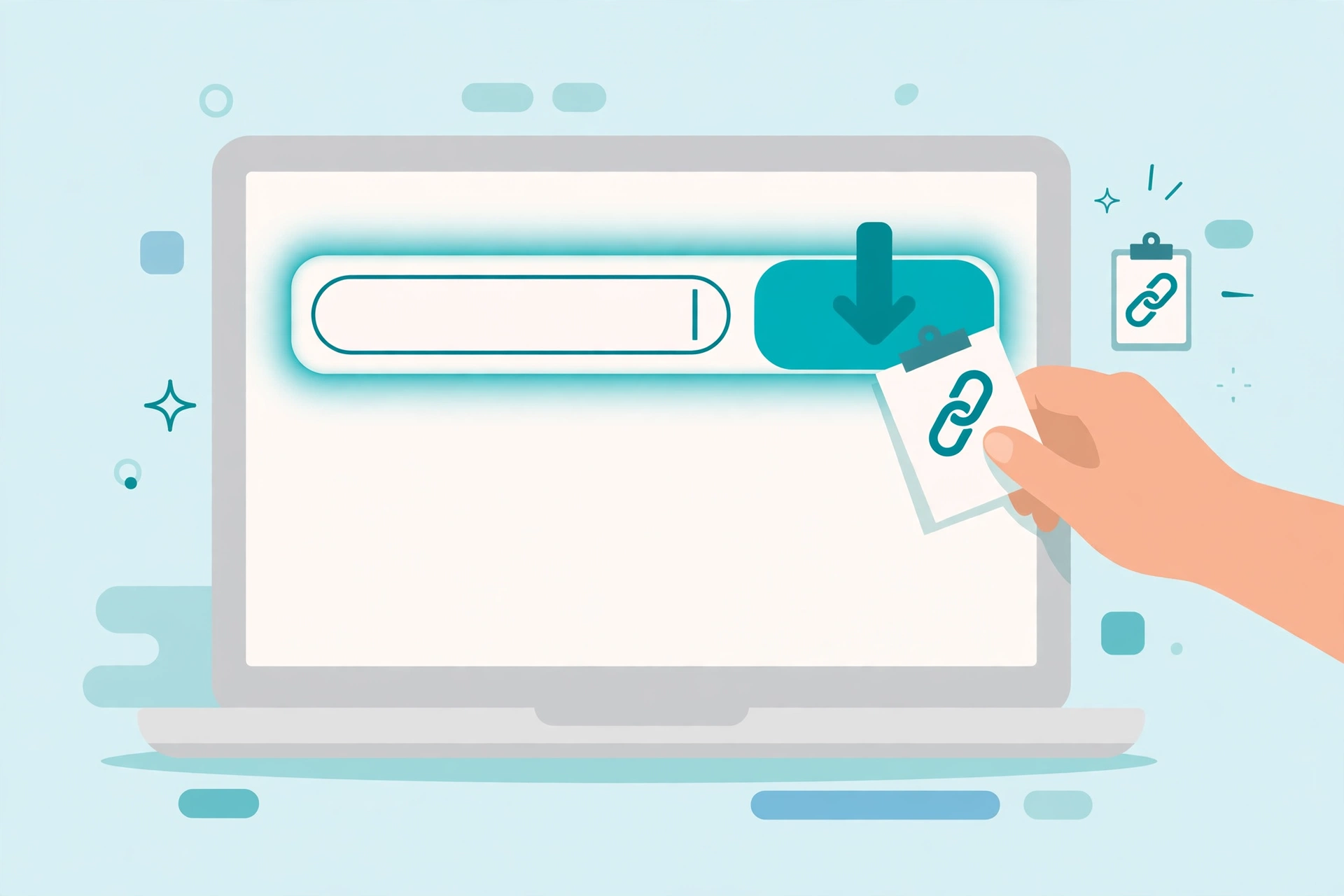
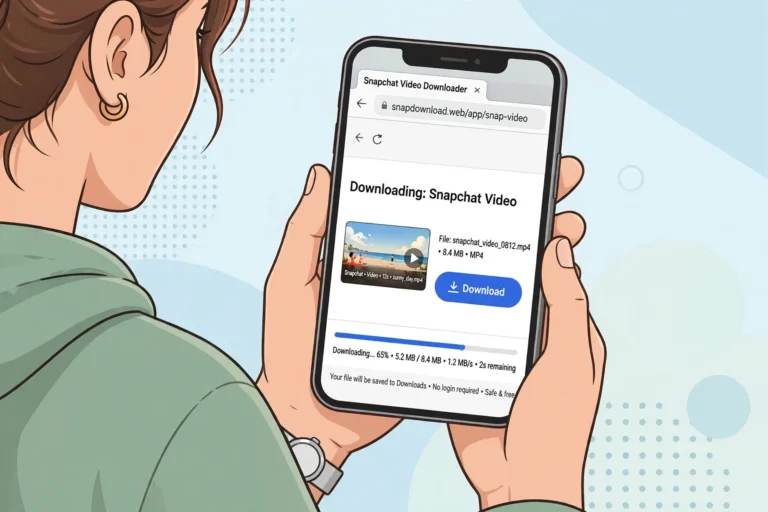
A snapchat story downloader is simpler than most people expect. You don’t install anything, you don’t log in with Snapchat, and you never hand your password to a stranger’s server. The entire flow is three steps:
- Copy the story link. In Snapchat, open the public story, tap the share arrow, and choose Copy Link. You get something like
snapchat.com/@username/spotlight/...or a shortenedt.snapchat.comlink. - Paste it into the downloader. Open snaptodown.com in any browser, drop the link into the box, and hit the download button.
- Save the file. The tool resolves the link against Snapchat’s own servers and hands you the original video or photo file. Tap save, and it lands on your device.
In my tests, public links resolved in 1.75 to 4.10 seconds — roughly the time it takes to read this sentence. The returned files came straight from cf-st.sc-cdn.net, which is Snapchat’s own content delivery network. That detail matters: the tool isn’t screen-recording anything or re-encoding the video. It requests the underlying media file the same way Snapchat’s app does when it plays a clip, so what you get is the original upload — original quality, original audio, no interface baked in.
What My Live Tests Actually Showed
Most downloader roundups are written by people who never touched the tool. I ran two real public story links and two failure cases through the snaptodown extractor on 2026-10-22, from a plain browser request, and recorded everything:
| Test | What I pasted | Result | Time |
|---|---|---|---|
| Public story link (@anncathrine2025) | Full snapchat.com/@user/spotlight/… URL |
Resolved — real MP4 from Snapchat’s CDN, ~835 KB verified byte-range download | 4.10 s |
| Public story link (short ID form) | snapchat.com/spotlight/… without username |
Resolved — real MP4, title and thumbnail returned | 1.75 s |
| Wrong-platform link | A TikTok URL, pasted on purpose | Honest error: “Please paste a valid public Snapchat link” | Instant |
| Dead short link | Fabricated t.snapchat.com URL |
Honest error: “This link redirected away from Snapchat. Only public Snapchat links are supported.” | 2.82 s |
Three things stood out. First, the speed is real — no fake progress bar stalling at 99% to show you ads. Second, the file verification came back as an actual video file (HTTP 206 partial content, video/mp4 content type), not a renamed thumbnail. Third, and this is the one I check first in any downloader: the dead links returned a plain-English “this doesn’t work” instead of spinning forever or, worse, handing back a fabricated file. A tool that admits when a link is dead is a tool you can trust with the links that aren’t.
What a Story Downloader Can and Can’t Save
This is the section most “best downloader” listicles skip, because honesty doesn’t rank as well as hype. But knowing the boundary saves you more time than any feature list:
Works — public stories, while they’re live. If the poster set their story audience to Public and the 24-hour timer hasn’t run out, the tool can pull the video and photo snaps. Public Spotlight clips work through the same link-paste flow, since they’re public by design. My spotlight downloader guide covers that side in detail.
Doesn’t work — and no tool can fix this:
- Friends Only, Custom, Private, or Shared stories. These are blocked at Snapchat’s server level for anyone outside the chosen audience. Any site claiming otherwise is lying to you.
- 1-to-1 snaps. A snap sent to one person never had a public address at all — it exists only inside that chat.
- Expired or deleted content. Once the 24 hours are up or the creator deletes the post, the file is gone from Snapchat’s servers. Every downloader on earth fails this one identically.
- Snapchat Memories. Your private encrypted backup has no public link to resolve.
- Stories by username alone. Some tools (ViewSnapStories is the known one) let you type a username and browse all live public stories. snaptodown works from a copied link instead — if you only have a username, copy a link to one of their public posts first.
The age-policy wrinkle is worth knowing too: since Snapchat’s June 2026 policy change, accounts registered as 13–15 can’t post publicly at all, and 16–17 accounts have capped public reach. If a story you expected to be downloadable returns nothing, the poster’s audience settings — not the tool — are almost always the reason.
Saving the File on iPhone, Android, and PC
The download flow is identical everywhere — copy, paste, save — but where the file lands afterward depends on your device. Here’s what actually happens:
On iPhone
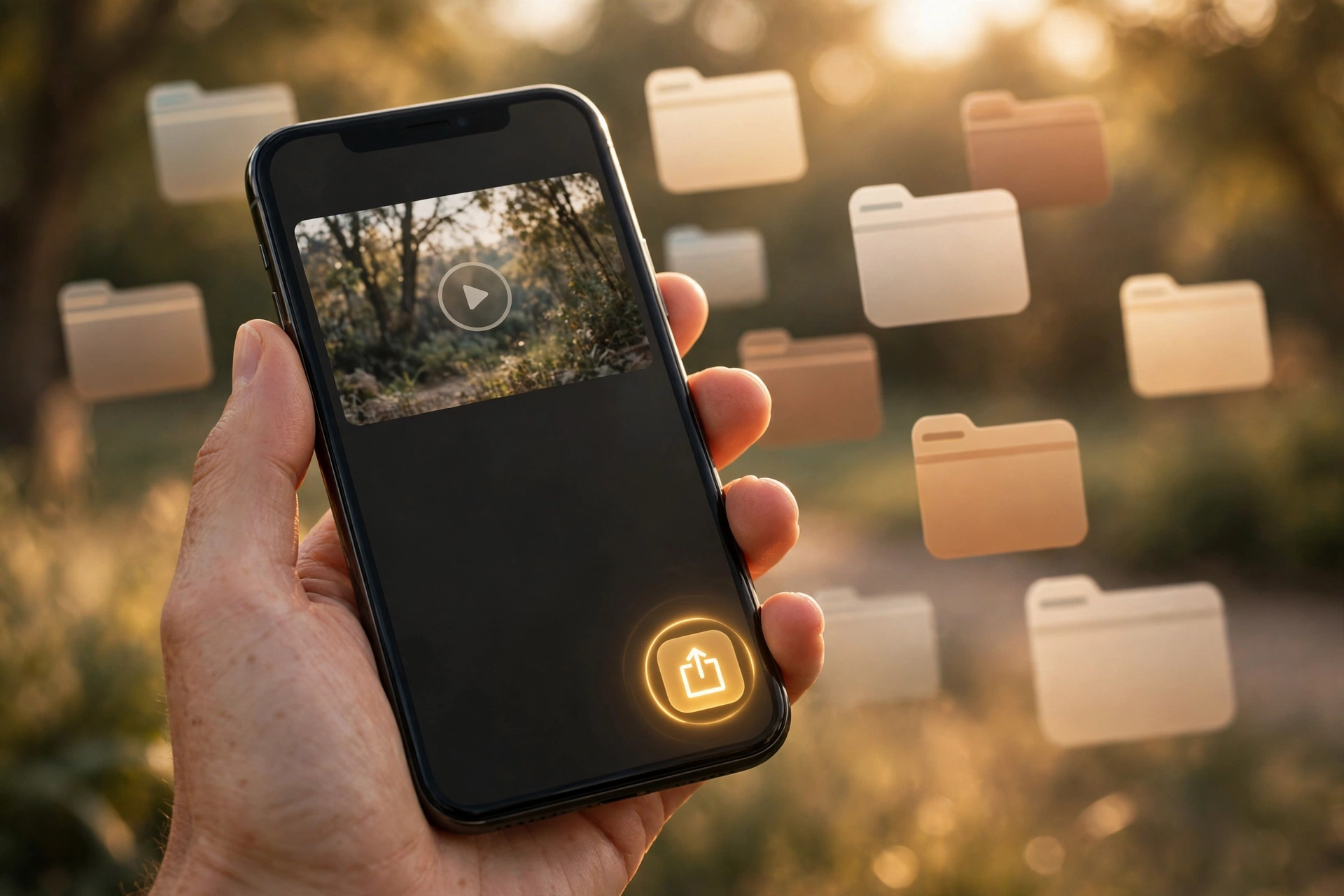
Safari drops the file into your Downloads folder inside the Files app, not into Photos. This confuses almost everyone the first time (“where did it go?!”). Open Files → Downloads, tap the video, tap the Share icon, and choose Save Video. Two taps and it’s in your camera roll. My full iPhone guide walks through this with pictures.
On Android
Chrome saves straight to your Downloads folder, and the video usually appears in Gallery or Google Photos right after. No extra step needed — Android is the smoothest of the three here.
On PC
The file goes to your default Downloads folder. Open it in any video player. If you’re archiving a lot of stories, rename files as you go — the CDN filenames are random strings, not the story titles, so “d_mc5TN8KlcCAr3A2…” tells you nothing six months later.
Snapchat Story Downloader vs Screen Recording
The obvious fallback is screen recording, and it technically works on almost anything you can see. But it’s a much worse file:
| Factor | Snapchat story downloader | Screen recording |
|---|---|---|
| File quality | Original file from Snapchat’s servers | Limited by your screen resolution, re-encoded |
| Interface in the footage | None — clean video | Progress bar, username strip, like/share icons, your status bar |
| Audio | Original track, perfectly synced | Depends on device audio routing; often tinny or missing |
| Login needed | No | Yes — Snapchat app open and signed in |
| Notifications to poster | None (link-based, outside the app) | Screenshot alerts possible in-app |
| Speed | Seconds | Real-time — a 60-second story takes 60 seconds |
The one honest caveat, in both directions: whatever the creator baked into the video while editing — their caption, a sticker, a face filter — is part of the video’s actual pixels and travels with the file no matter how you save it. A downloader skips the app’s interface; it can’t remove the creator’s own edits. Anyone promising to strip those is selling fiction. (Related reading: downloading Snapchat videos without watermarks — what “no watermark” really means.)

When Your Snapchat Story Downloader Link Won’t Download
Most failures trace back to a short list, roughly in order of how often they come up:
- You pasted the wrong kind of link. A profile page URL or a search-results link doesn’t point at one specific story. Only a direct per-post link, copied from that content’s own Share menu, resolves. This is the #1 cause, by a mile.
- The story already expired. The 24-hour timer is absolute. If the link is older than a day, the file is gone from Snapchat’s servers and no tool can bring it back — try again with a fresh link while it’s still live.
- The story isn’t actually public. Friends Only, Custom, Private, and Shared stories correctly return nothing. That’s the privacy setting working as intended, not a bug — and in my tests the tool said so in plain English instead of hanging.
- The shortened link went stale.
t.snapchat.comshort links can redirect oddly once the underlying post is gone; copying the fullsnapchat.comlink from the share sheet is more reliable. - The download seems stuck. File size scales with the clip’s length and quality — switch from cellular data to Wi-Fi before assuming the tool is broken.
Is It Legal to Download Snapchat Stories?
The short version: downloading a public story for personal use — archiving, offline viewing, keeping your own portfolio — sits in the same everyday territory as saving any public web content. Where it gets serious is redistribution: reposting someone else’s story as your own, or sharing private content without consent, can violate copyright and privacy law depending on where you live. Snapchat’s own support pages (help.snapchat.com) spell out the audience settings that decide what’s public in the first place. The rule of thumb I use: if the poster made it public and you’re keeping it for yourself, you’re fine; the moment you publish it elsewhere, get permission.
Frequently Asked Questions
Can I download any Snapchat story?
Only public ones. If the account’s story audience is Friends Only, Custom, Private, or Shared, no downloader can reach it — that’s Snapchat’s server enforcing the poster’s choice, not a tool limitation.
Do I need a Snapchat account to download stories?
No. The snaptodown tool works from the copied link alone — no login, no app install, no account of any kind on your side.
Will the person know I downloaded their story?
No. The download happens through a link resolved on Snapchat’s public servers, outside the app — there’s no view registered and no screenshot alert, unlike capturing inside Snapchat itself.
Does it work on iPhone and Android?
Yes — it’s a web tool, so it runs in Safari, Chrome, or any modern mobile browser. On iPhone the file lands in the Files app’s Downloads folder first (tap Share → Save Video to move it to Photos); on Android it goes straight to Downloads and shows up in your gallery.
Is there a daily limit or a watermark?
No daily cap, no sign-up, and no watermark added — the file served is Snapchat’s original CDN file, untouched. (Some competitors cap free downloads at a handful per day; this one doesn’t.)
What if the story already expired?
Then it’s gone. Snapchat removes expired stories from its servers entirely, and no downloader — this one or anyone else’s — can recover them. Save stories while they’re still live.
The Bottom Line
A snapchat story downloader is a small, honest tool for a specific problem: public stories vanish in 24 hours, and sometimes you need a copy before they do. Tested live, snaptodown resolves public story links in a few seconds, hands back the original file from Snapchat’s own servers with no watermark added, and — the part I respect most — tells you plainly when a link is dead instead of faking a result. It can’t touch private stories, expired posts, or 1-to-1 snaps, and no tool ever will; that’s Snapchat’s architecture, not a missing feature.
If you’ve got a public story link worth keeping, try the downloader now — it takes about ten seconds, it’s free, and there’s nothing to install. And if the story’s already gone, well — now you know to grab the next one before the timer runs out.


2 Comments