Snapchat Video Downloader Online Free: HD, No Watermark (2026)
Everyone searching for a snapchat video downloader online free wants the same three things: no app to install, no account to create, and no surprise paywall halfway through the download. That is a reasonable ask, and it is also where most “free” tools quietly fail — a daily cap here, a login wall there, a watermark stamped across the video you just saved. I tested snaptodown.com myself today, 31 October 2026, with a real public Spotlight link, and this guide shows exactly what happened, what the tool can and cannot do, and how to tell a genuinely free downloader from a fake one.
What a Snapchat Video Downloader Online Free Should Actually Do
A real online downloader is a web page, not an app. You open it in the browser you already have, paste a link, and get the video file back. Nothing to install, nothing to sign into, and — this is the part people forget to check — nothing added to the video itself. The file should be the original clip exactly as Snapchat serves it: same picture, same sound, no logo burned into the corner.
That last point matters more than it sounds. Snapchat does not put a watermark on the video file itself; the watermark-like clutter people complain about comes from screen recordings, which capture the player controls, the username bar and your phone’s status bar along with the video. A link-based downloader skips all of that because it asks Snapchat’s servers for the underlying file instead of filming your screen.
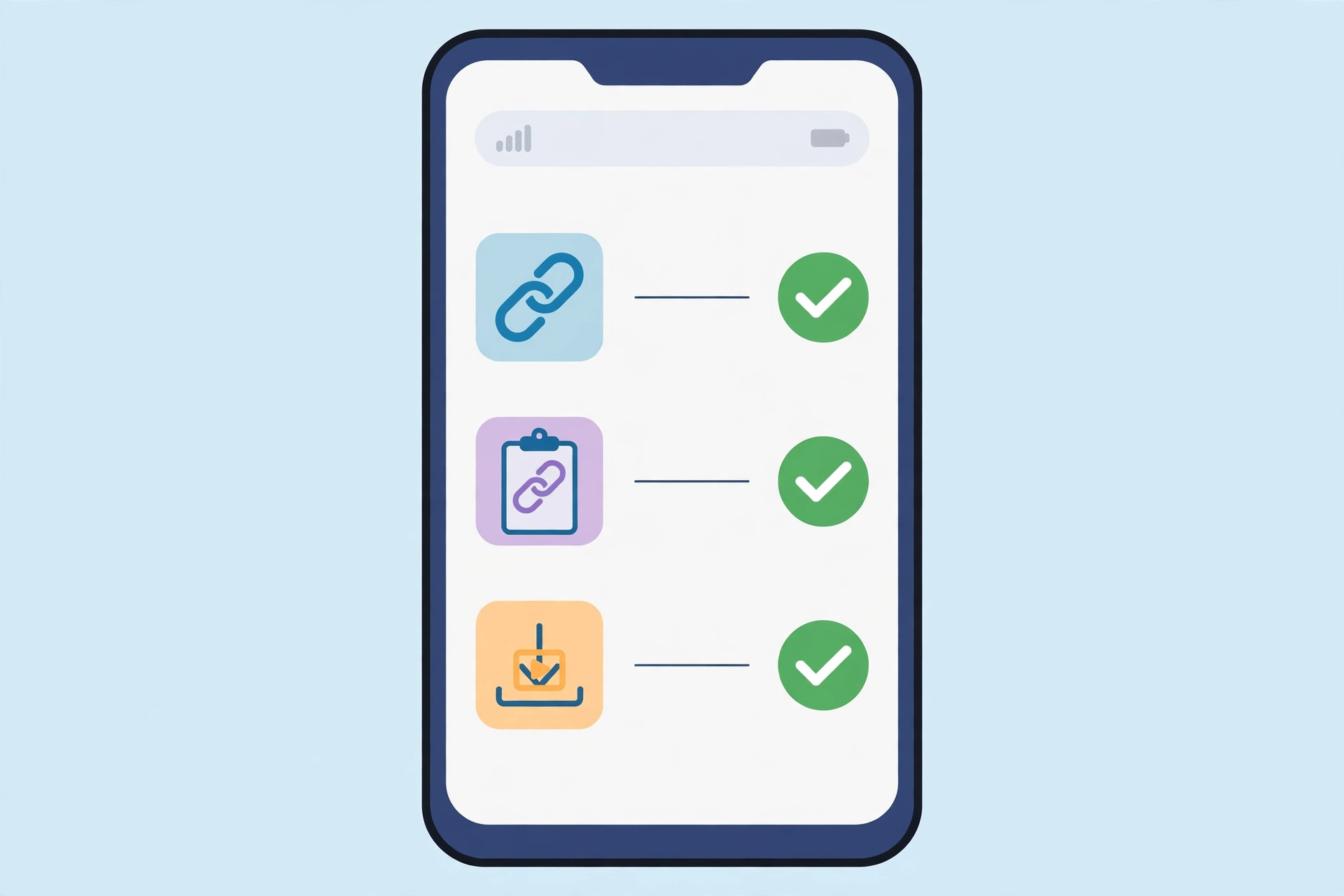
How to Use Snaptodown in 3 Steps
The whole process takes under a minute once you have the link:
- Copy the link. Open the Spotlight video or public Story in Snapchat, tap the share arrow, and choose Copy Link. On a computer you can copy the address from the browser bar instead — links on snapchat.com/spotlight/ and short t.snapchat.com links both work.
- Paste it into snaptodown.com. Open snaptodown.com in any browser — Safari, Chrome, Firefox or Edge — and paste the link into the box.
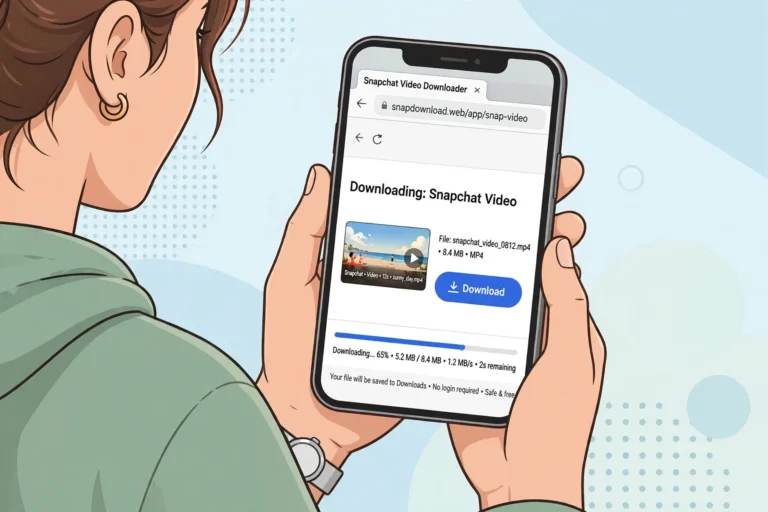
- Download the MP4. Tap download and the file saves to your device in its original quality, with its original audio. No account, no app, no waiting for an email.
Here is that exact flow on the real tool, recorded on screen:
Tested Today: What Really Happens When You Paste a Link
I do not trust a downloader’s homepage claims, including this site’s, so I ran the tool through its paces this morning before writing a word of this guide. The control test used a real public Spotlight link — a cooking clip posted 22 October 2026 — and the result was exactly what a good tool should produce:
- The extractor answered in 4.14 seconds with the video’s title, a thumbnail and a download file hosted on cf-st.sc-cdn.net — Snapchat’s own content delivery network, not a third-party re-host.
- A ranged re-fetch of that file returned HTTP 206 with Content-Type video/mp4 and a genuine MP4 signature — real video data, not an error page dressed up as a download button.
- No login was requested at any point, and no watermark was added: the file is the raw clip Snapchat serves.
That is the standard every claim in this article is measured against. If a tool cannot show you a real file from Snapchat’s own servers, its “free” label is marketing, not a feature.
Free Downloaders Compared: Caps, Logins and Watermarks
“Free” hides a lot of fine print in this niche. The biggest catch I found while researching this article is a daily cap: Snapiai, one of the top-ranking tools, limits its free tier to 5 videos a day. Nothing on its homepage headline mentions it; you find out in its FAQ. Other tools are free but generic multi-platform sites where Snapchat is one button among twenty, with no Snapchat-specific help when a link fails.
| Tool | Truly free? | Login needed? | Daily cap | Watermark added? |
|---|---|---|---|---|
| Snaptodown | Yes | No | None found | No — raw Snapchat file |
| Snapiai | Free tier | No | 5 videos/day | Claims removal |
| VDFR | Yes | No | None stated | No |
| SnapVidSaver | Yes | No | None stated | No |
| download.fan | Yes | No | None stated | No |
| Screen recording | Yes (built-in) | Yes — app installed | None | No, but player UI baked in |
The honest summary: several tools are genuinely free, and snaptodown’s edge is not price alone — it is that the tool is Snapchat-only, so its error messages and help actually match Snapchat’s behaviour, and that its output was verified today against a live link rather than asserted on a landing page.
What You Can Download — and What No Free Tool Can
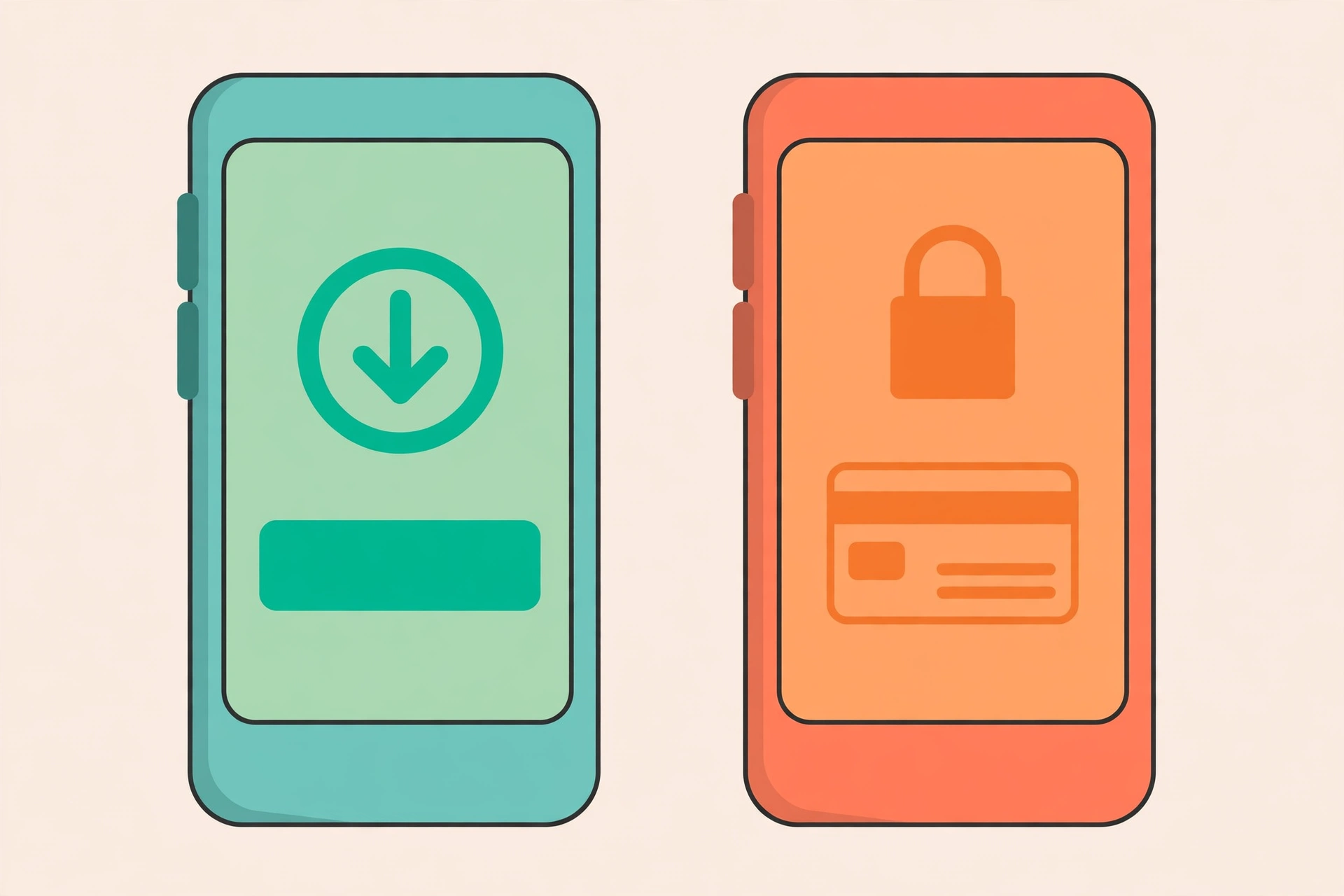
A snapchat video downloader online free can only reach what Snapchat itself makes public. That is a hard technical boundary, not a feature gap, and any tool promising otherwise is lying to you:
- Spotlight videos: public by definition. If it is in the Spotlight feed, it has a shareable link and it downloads.
- Public Stories, while live: only Stories the poster set fully to Public. Friends Only, Custom, Private and Shared Stories are enforced on Snapchat’s own servers — no outside tool can open them.
- Single public photos: a public photo link or one frame from a public Story returns the image directly.
- 1-to-1 Snaps: never downloadable. They have no public address and exist only inside the chat they were sent in.
- Memories: your private backup, with no public link. Use Snapchat’s own export for those.
- Expired or deleted posts: gone from Snapchat’s servers, gone for every tool. A Story’s 24-hour clock is absolute.
One more wrinkle worth knowing: since Snapchat’s June 2026 policy change, accounts registered as 13 to 15 cannot post publicly at all, and 16-to-17 accounts get capped public reach. If a young creator’s Story will not resolve, that policy — not the downloader — is usually the reason.
Where the Video Lands on Your Device
The download itself is the easy part; finding the file afterwards trips up more people than any other step, especially on iPhones:
| Device | Where the file goes | Getting it into your gallery |
|---|---|---|
| iPhone / iPad (Safari) | Files app → Downloads | Open the file, tap Share → Save Video |
| Android (Chrome) | Downloads folder | Appears in Gallery / Google Photos automatically |
| Windows / Mac | Browser Downloads folder | Opens in any video player; right-click → Save video as if it opens in a tab |
The iPhone trap is the one I hear about most: people download successfully, then swear the video vanished, because Safari puts it in Files instead of Photos. It is there — it just needs one extra Share-sheet tap. Android users have the opposite experience: Chrome drops it in Downloads and the gallery picks it up within seconds.
When a Link Won’t Download: Real Error Messages
I also tested the failure cases today, because a tool’s error messages tell you more about its honesty than its homepage does. Here is what snaptodown actually returns:
- A non-Snapchat URL (I tried example.com): “Please paste a valid public Snapchat link (Spotlight, Story or video page).” Fast rejection, 1.2 seconds, no hanging.
- A profile-only link (a creator’s profile page, no specific post): the same message. A profile page is not a downloadable link — only a direct per-post link resolves.
- A dead link (a real Spotlight URL with the media ID altered): “Snapchat returned 404 – this link looks dead, private, or expired.” That is Snapchat’s own 404 surfaced verbatim, which is exactly what it means: the post is deleted, private or past its expiry, and no tool on earth can recover it.
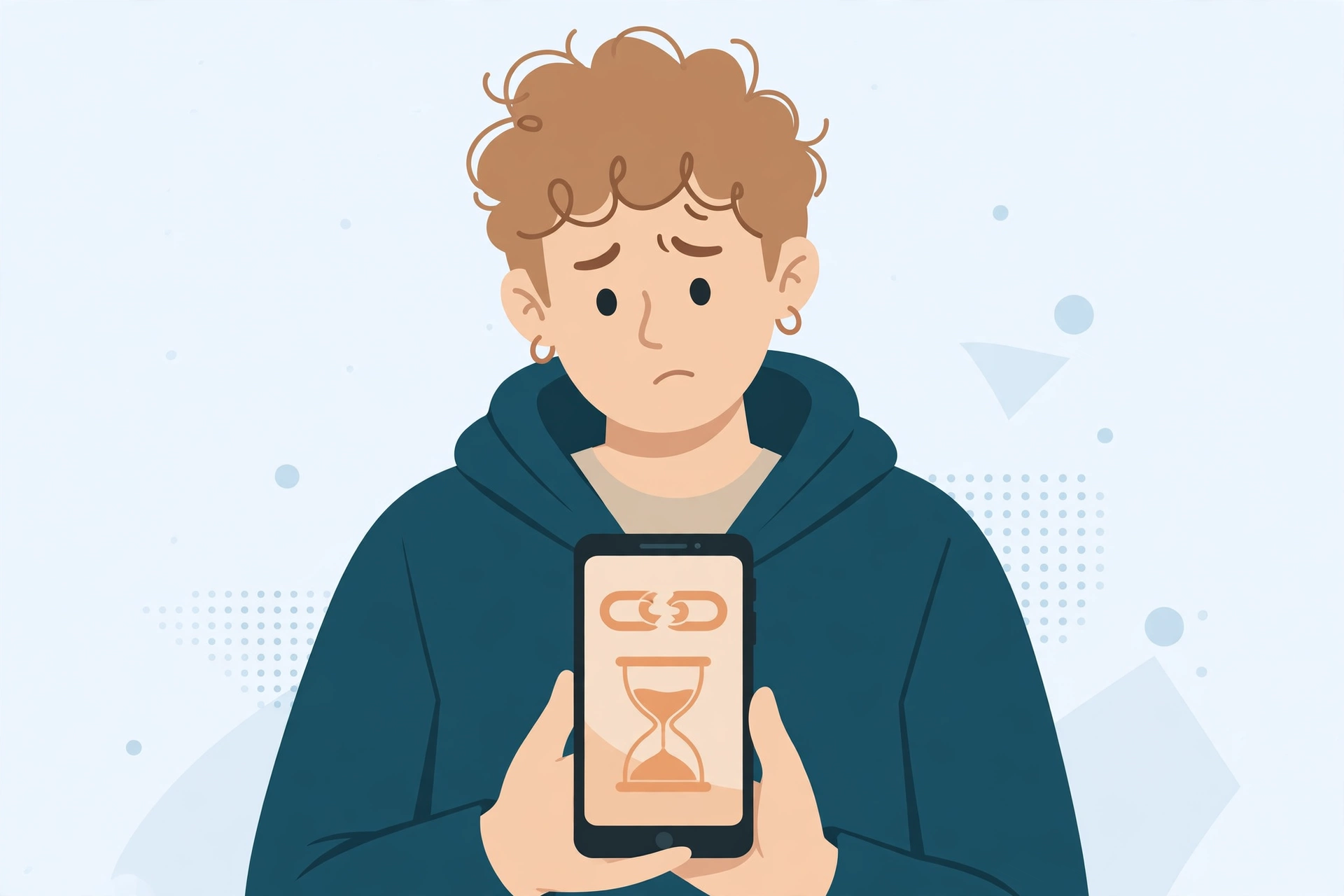
If you hit the 404 message, re-copy the link from the post’s own Share menu first — a half-copied or truncated link is the most common fixable cause. If the fresh link still 404s, the content is gone, and no amount of retrying or switching tools will change that.
Is It Safe, and Is It Legal?
Safety first: a legitimate web downloader never asks for your Snapchat password, your email or an app install. If a “free” tool demands any of those, close the tab — that is how accounts get stolen. Snaptodown asks for nothing but the link, and the file streams from Snapchat’s own CDN rather than being re-hosted anywhere.
Legally, the picture is the same as for any public post: saving a copy for your own personal viewing is broadly accepted, but the creator still owns the video. Do not re-upload someone else’s Spotlight clip as your own, and ask permission before using it commercially. Snapchat’s own help pages explain who can see a Story and how the public setting works, and creators can delete their videos later for a reason — respect that. For the deeper legal breakdown, see our guide on whether downloading Snapchat videos is legal.
One related question people always ask: does the creator get notified? No — Snapchat’s screenshot and view notifications are tied to a logged-in session inside the app, and a link downloader never opens the app or signs in. That only applies to content the poster already chose to make public; it is not a way around any privacy setting. We covered this in detail in does Snapchat notify when you download a story.
How This Compares to Screen Recording
Screen recording works on almost anything visible on your phone, which is its only real advantage. Everything else about it is worse: it records in real time, so a 60-second clip takes 60 seconds to capture; it bakes the player interface into the footage; and on many phones the audio routing mangles the sound. A link downloader hands you the original file in seconds. The one case where recording still wins is content with no public link at all — your own Snaps, or a friend’s Story you can view in-app — where recording is the only option Snapchat leaves you. If a link fails, our troubleshooting guide for when the downloader is not working walks through every fixable cause.
More Ways to Save Snapchat Videos
If you mostly save one type of content, the dedicated guides go deeper: Spotlight clips have their own quirks around link formats, public Stories need catching before the 24-hour clock runs out, and watermark-free saving explains why the raw file beats any re-encoded copy.
Frequently Asked Questions
Is there really a snapchat video downloader online free with no sign-up?
Yes. Snaptodown runs entirely in your browser: paste a public Spotlight or Story link and download the MP4. No account, no app install, no email address, and no daily cap was found in today’s testing.
Will the downloaded video have a watermark?
No. The file comes straight from Snapchat’s own servers, so nothing is added to it. Note that captions, stickers or filters the creator added while editing are part of the video itself and travel with it — that is the original content, not a downloader watermark.
Can I download videos from private accounts?
No, and neither can any other tool. Private Snaps, Friends Only Stories and Memories have no public address. Only content the poster made public is reachable from outside the app.
How long does a download take?
Today’s live test resolved a public Spotlight link in 4.14 seconds. Longer clips take a little longer to transfer, and a slow connection adds time, but you are downloading a file, not re-recording it in real time.
Does Snapchat notify the creator?
Not for public content saved through a link downloader. Notifications are tied to logged-in activity inside the Snapchat app, and this tool never signs in or opens the app.
Why does my link say “invalid”?
Almost always because the link points at a profile page, a search result or a different content type rather than one specific video or Story. Re-copy it from that post’s own Share menu and try again.
What if the video has no sound?
Check the original post first: some Spotlight clips are posted deliberately silent. Where the source file has audio, the downloader keeps it intact rather than stripping or re-recording it.
The Bottom Line
A snapchat video downloader online free is only worth using if “free” survives contact with reality: no login, no cap, no watermark, and a real file from Snapchat’s own servers. Snaptodown passed all four checks in today’s live test — a public Spotlight link resolved in about four seconds to a genuine MP4 with its audio intact. Keep the limits in mind — public content only, Stories expire in 24 hours, and the creator still owns the video — and save with a clear conscience. Paste your link at snaptodown.com and you will know within seconds whether the clip is yours to keep.